




UGC Reaction Hooks for App Ads: 25 Examples and a Testing Guide
Use 25 honest UGC reaction hook examples for app ads, then pair each opening with a real product demo and measure qualified actions.

A UGC reaction hook is a short reaction clip, question, objection, or recognition statement that leads into an app demo. Its job is to make the problem legible before the screen recording arrives. The demo must then show the relevant product action, and the CTA must promise only what the next step actually provides.
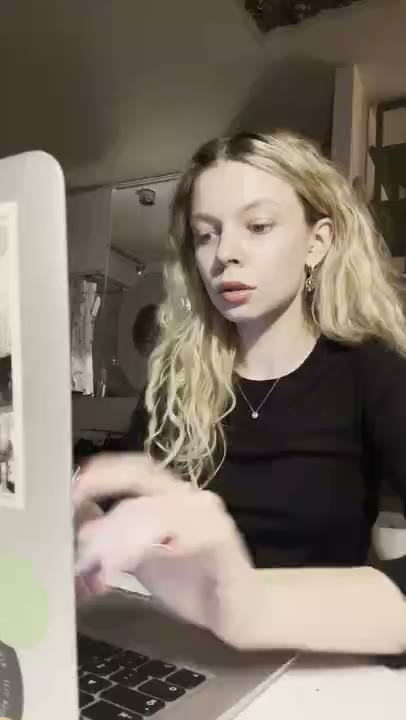
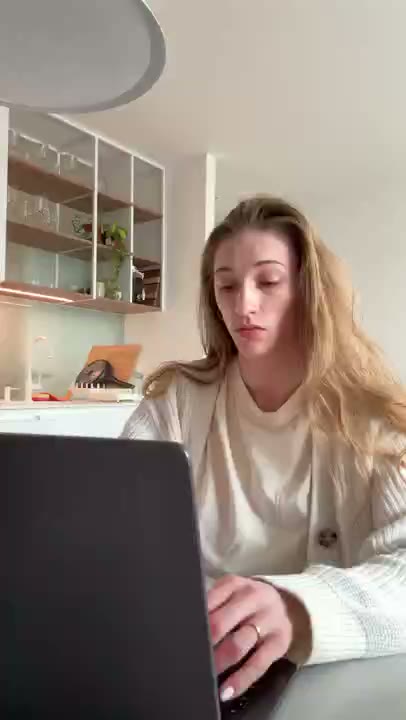
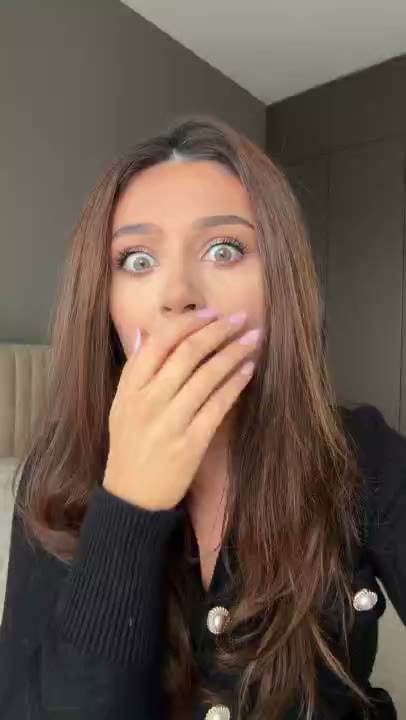
Treat the hook as the opening layer and the screen recording as the evidence layer. RE/UGC offers hyperrealistic AI UGC reaction clips for that opening. For the broader mobile-app workflow, read UGC for mobile apps.
If you want to see the visual before choosing a line, compare the playable AI UGC reaction examples. Each example pairs a clip with a sample caption and the app action that should follow it.
25 UGC reaction hook examples
Recognition hooks
- You built the feature, but the first step is still easy to miss.
- Still copying this task between three different tools?
- The launch checklist is not the hard part. Remembering it is.
- This is the step I kept putting off in every app workflow.
- If your notes look like this, start with one clean action.
Question hooks
- Can one input become a usable next step?
- What would you automate first in this workflow?
- Can this app turn a rough note into a plan?
- Where would you start if the whole workflow felt too large?
- What happens when the app sees the task you repeat every week?
Objection hooks
- I would try this if setup did not require a new process.
- I do not want an AI summary that hides the original detail.
- What if the app is useful before the team adopts a new workflow?
- The first question is not whether it looks clever. Can I understand it?
- Before you make an app ad, check whether this claim is actually visible.
Curiosity hooks
- Wait, is that the whole product action?
- I expected another dashboard. The useful part is here.
- This demo gets clearer when the logo moves out of the way.
- The reaction is not the proof. Watch what the screen does next.
- One opening, one action, one honest test.
Founder-context hooks
- I built this after repeating the same manual step every launch.
- Here is the smallest workflow I wanted the app to solve.
- The first version tried to show everything. This version shows one job.
- I changed the opening because the demo was arriving too late.
- This is the product decision I would explain before the feature list.
Pair every hook with a demo
- 0-2 seconds: deliver the recognition, question, objection, curiosity, or founder context.
- 2-7 seconds: show one input, action, and resulting app state.
- 7-11 seconds: identify the user and the moment of use.
- 11-15 seconds: give one accurate CTA, such as Try the workflow or See the demo.
Cut to the app before the viewer has to guess what caused the reaction. Place the question in on-screen text, show the input state at a readable size, and keep captions within safe areas. If an objection concerns setup, show setup rather than editing around it.
| Hook family | Best follow-up | Avoid |
|---|---|---|
| Recognition | A familiar input and one product action | A generic feature list |
| Question | A visible answer on the next screen | Leaving the question unresolved |
| Objection | The relevant setup, limitation, or review step | Pretending the concern does not exist |
| Curiosity | A real capability or workflow reveal | A dramatic claim the demo cannot support |
| Founder context | The product decision and actual workflow | Presenting founder context as customer proof |
How to test the openings
Choose one demo and create five variants from different hook families. Keep the audience, destination, offer, captions, and CTA stable where possible. Assign each export a creative ID and record the opening, demo version, rights status, and launch date.
- Choose the decision first: improve qualified visits, signups, activation, or another downstream event.
- Run each hook into the same product action and landing-page promise.
- Review early hold and completion to the first product action before judging click quality.
- Compare qualified clicks, signup, activation, purchase, and refund where volume supports it.
- If volume is small, call the result directional and preserve the test conditions for the next round.
Do not choose a hook from views alone. A high view rate with weak qualified visits can mean the opening attracted the wrong audience or made a promise the page could not continue. Creative testing provides a fuller framework for separating hook, demo, audience, and offer questions.
Rights, labels, and accuracy
- Confirm the clip license covers paid advertising, intended platforms, editing, territory, and duration.
- Do not imply the performer is a customer, user, or endorser without actual experience and permission.
- Use a visible label when the context could make a reaction asset look like a personal review.
- Sanitize app data and identify illustrative screens so the demo does not create a false impression.
- Disclose material commercial relationships and follow the current rules for the platform and market.
Disclosure: reugc.com publishes this guide and sells hyperrealistic AI UGC reaction hook clips. Add your own captions and app demo to build the finished edit.
Frequently asked questions
What makes a UGC hook credible?
Specificity and continuity. The opening should name a real situation and lead into a demo that visibly addresses it. Avoid unsupported superlatives and fabricated personal experience.
Should every hook include a reaction face?
No. A founder voiceover, text-led opener, screen recording, or permissioned customer story may be better for the audience and the claim.
How many hooks should I test?
Start with enough variation to compare different hypotheses, often five around one stable demo. The appropriate number depends on traffic, cost, and the decision the team needs to make.
Can a reaction hook replace the app demo?
No. It can frame the problem or create curiosity, but the app screen should show the relevant action and the CTA should describe the next step accurately.