



TikTok Hooks for Apps: 25 Openers to Test
A practical bank of TikTok hook structures for mobile apps, with guidance on matching each opener to a visible product payoff.
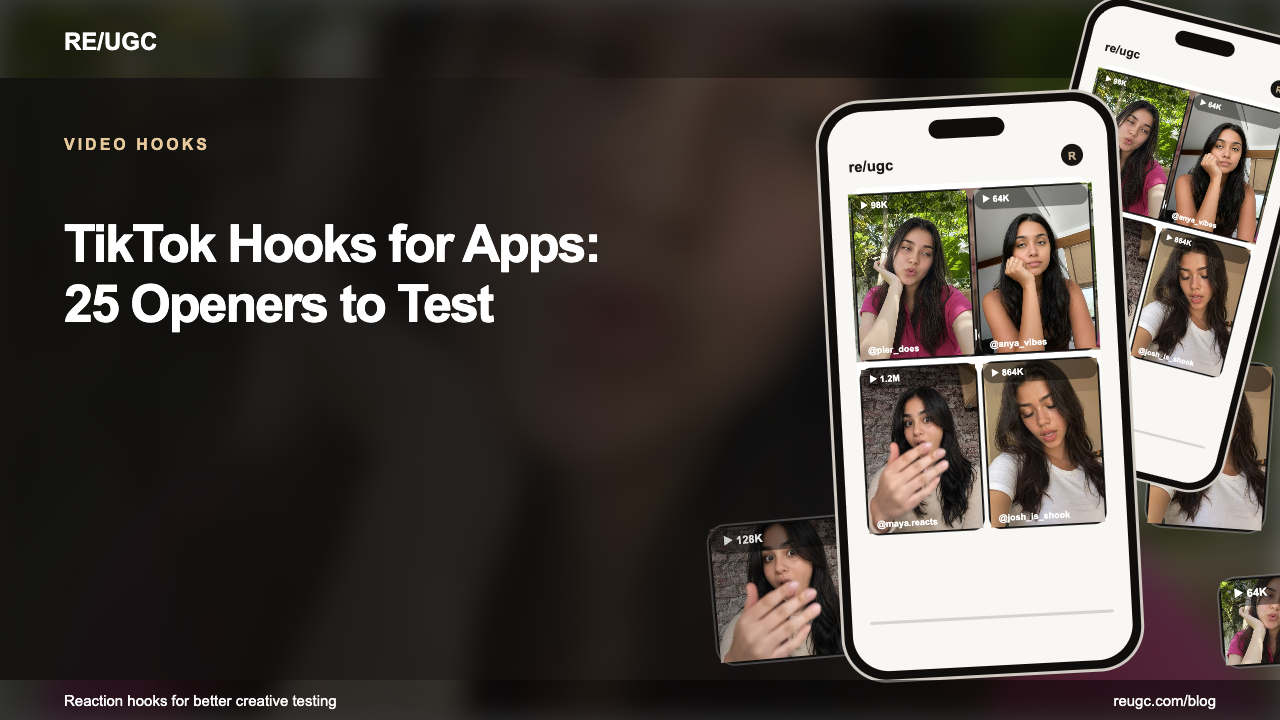
TikTok is the hardest and most rewarding place to advertise an app, because the platform's native grammar punishes anything that looks like an ad. A TikTok app hook works when it promises a visible change — less effort, a better result, a faster decision, a feeling the viewer recognizes — and then lets the interface prove it within seconds. The logo, the feature list, the 'available now' sting: all of it goes after the demo, never before it.
This is a practical bank of 25 hook structures built for TikTok app ads, grouped by mechanism, with the exact payoff each one demands and the testing discipline to sort the winners. It's the TikTok-specific version of our mobile app hook guide, and it assumes the general mechanics in the video hooks playbook and the TikTok hook system.
How TikTok decides to show your app ad
TikTok's algorithm distributes on watch time and engagement quality — and it learns from the first seconds. A viewer who watches past the 3-second mark sends the 'this held attention' signal; a viewer who skips at frame one trains the platform that your ad is noise. That means the hook is not a creative detail, it's the targeting mechanism: a hook that stops the right audience lowers your CPM, while a hook that stops the wrong audience burns it. The viral hook mechanics explain the compounding side of this — the reason a strong open gets more distribution, which produces more retention, which gets more distribution.
On TikTok you're not buying impressions. You're buying the first two seconds — and the algorithm is the accountant.
The anatomy of an app hook on TikTok
A TikTok app hook is three layers firing together, and the best ones make them agree:
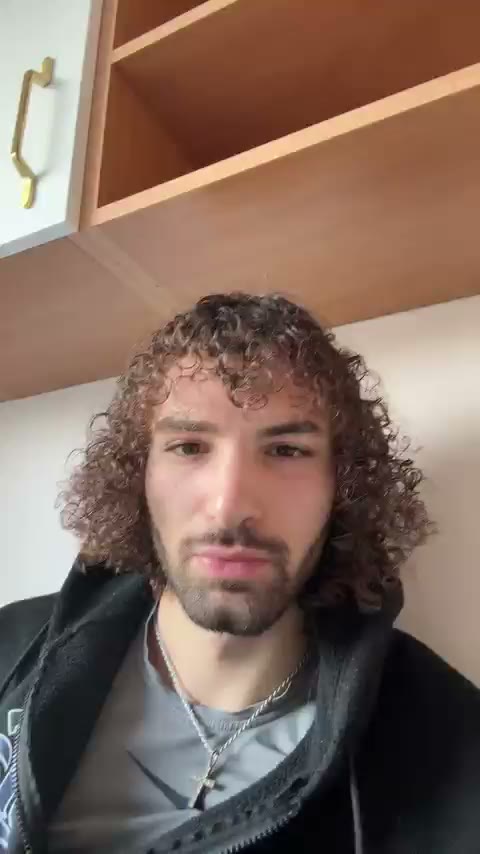
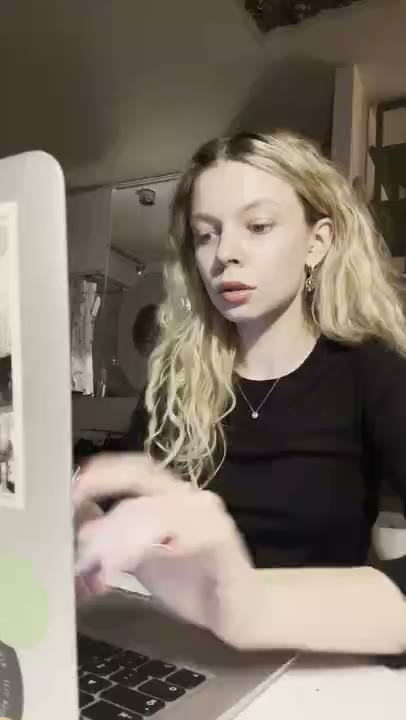
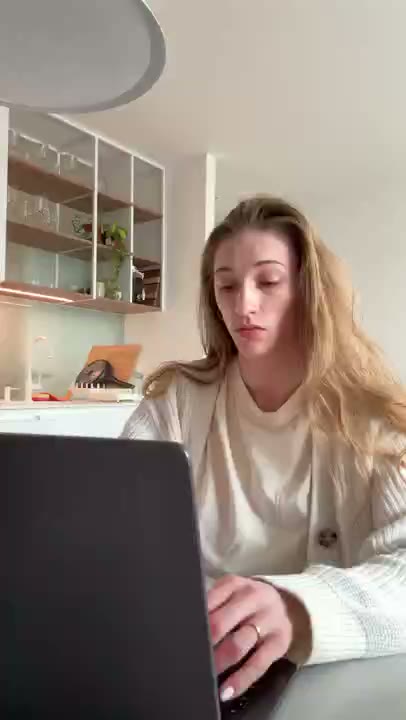
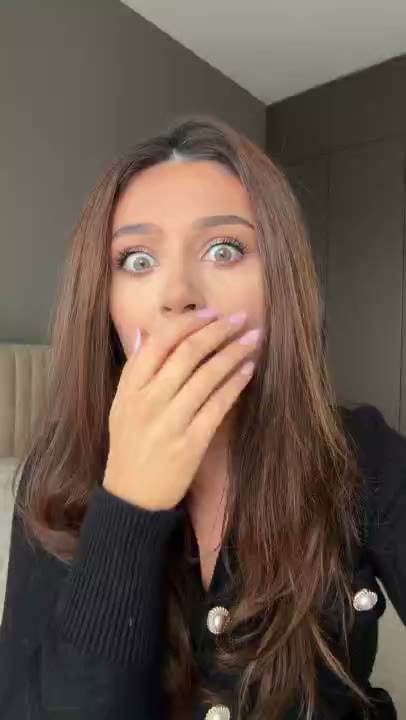
- Visual layer: a face, a hand, or an in-progress action at frame one. The reaction is the pattern interrupt; UI alone reads as 'ad' and dies.
- Text layer: the on-screen caption under 8 words, top third of the frame. It names the loop the visual opened — the exact claim the demo will prove.
- Audio layer: the first spoken words designed to also work muted, since a large share of TikTok plays sound-off in feeds.
The three-layer model is explained frame by frame in video hooks, and the emotion-to-visual matching table in reaction hooks is the fastest way to pair a face with a claim.
25 hook structures to test
Grouped by mechanism. Pick one line from the mechanism you want to test, pair it with the matching payoff, and ship it against your fixed demo:
Problem-first openers
- "I stopped doing [repetitive task] the hard way."
- "If your camera roll looks like this, use this before deleting anything."
- "Three taps turned my [messy input] into [useful result]."
- "I gave this app my worst [problem] and watched what happened."
- "Do not download this if you enjoy [painful old behavior]."
Curiosity openers
- "The setting I wish I found on day one."
- "I thought this was another [category] app. Then I tried one thing."
- "Why does nobody talk about the free version of this?"
- "I wasn't supposed to find this."
- "Wait until you see what it does at the end."
POV and native openers
- "POV: you finally find the app your [role] friends use."
- "POV: your friend finally shows you the app she uses."
- "POV: it's 2026 and you still do this manually."
- "The comment asked how I did this, so here is the app."
- "This app just killed my entire morning routine (in a good way)."
Comparison and proof openers
- "I compared the old way with this for seven days."
- "I've tried 15 of these. This is the one."
- "The free version does more than the app I paid for."
- "My best-performing app ad cost nothing to make."
- "One week in, and my workflow is unrecognizable."
Warning and objection openers
- "Stop paying for a tool that does half of this."
- "I thought this was going to be a waste. It wasn't."
- "The onboarding took 90 seconds. I timed it."
- "I was skeptical. Then it did the thing."
- "Delete the app you use for this. Use this instead."
More lines in these exact categories — including the ones that work on Reels — are in the 150+ hook ideas swipe file. The mechanism matters more than the wording: test mechanisms, then iterate inside the winner.
Treat first-person lines as prompts for a real founder, creator, or customer—not as dialogue to put in an AI UGC character's mouth. For an AI UGC reaction clip, turn the same idea into a question or observation, then cut to the actual app workflow. The playable AI UGC examples show that construction.
Pair each hook with proof
| Hook angle | Show next | Avoid |
|---|---|---|
| Speed | Timer or rapid workflow | Unmeasured speed claims |
| Discovery | Feature in context | Mystery without payoff |
| Comparison | Old and new paths | Attacking a named competitor |
| Result | Actual output | Unverifiable numbers |
| Objection | The concern being answered | Defensive explanation |
The proof rule is absolute: if the hook says 'three taps,' show those taps. If it says 'I stopped wasting an hour,' show the workflow that removed the hour. The closer the payoff is to the promise, the more the algorithm's retention signal works for you. Real-world retention numbers that make a hook 'good enough to scale' are tracked in UGC benchmarks.
Native formats that carry app hooks
Three TikTok-native formats are especially effective for apps because they're structurally resistant to ad blindness:
- The demo reel. No script, no music bed — just a real hand using the app with a caption narrating the surprise. The 'wait, what?' lands when the viewer realizes there's no pitch.
- The POV tutorial. 'POV: you finally automate this' drops the viewer into the scene as protagonist. It's the POV hook family done natively.
- The duet or stitch. When a comment or trend raises a question, answering it with your demo inherits the conversation's attention. Best used when the original is genuinely asking.
How to test them
A TikTok hook is not a headline pasted over a product tour. It is the first beat of a story — so test it like one:
- Choose one app outcome and one audience.
- Select five different hook mechanisms, not five synonyms.
- Keep the screen recording, CTA, and destination fixed.
- Caption the exact promise in the first frame.
- Review hold rate, click-through, install rate, and activation rate in order.
Ship five, run 48–72 hours, keep the mechanism that holds, then iterate on its angle. This is the same loop that drives creative testing — and the reason licensed reaction openers dominate: they turn a five-variation test from a production project into an afternoon. When a structure wins, the UGC ad examples show how the winning openers get paired with the demos and CTAs that close them.
Frequently asked questions
Should app hooks mention the app name?
Usually not in the first beat unless the brand itself is the search or trust signal. Lead with the problem and reveal the app as the answer — TikTok viewers reward the reveal, not the brand statement.
How many hooks should I test?
Start with five distinct mechanisms against one demo. Expand after you know which motivation earns qualified attention. Testing fifty synonyms teaches you nothing.
Do TikTok hooks need sound?
Design for sound-on and sound-off. Make the visual action and caption carry the promise, then use voice and music to add energy. The hook should be fully legible muted.
Can the same hook work on Reels and Shorts?
The mechanism travels; the pacing doesn't. Reels tolerates more polish and mute-heavy viewing, while Shorts front-loads verbal promises. Our [Reels hook guide](/blog/hooks-for-reels) maps the adjustments.
Do I need to film the reaction myself?
No. RE/UGC's hyperrealistic AI UGC reaction clips let you test openers without arranging your own shoot. The [UGC sourcing guide](/blog/ugc-platforms) compares libraries with creators, marketplaces, and agencies.
Why is my hook holding but not converting?
Hold rate measures the hook; click-through measures the demo; install measures the offer. If retention is strong but conversion lags, the problem is downstream — fix the demo or the store listing, not the first frame.