







n8n UGC Video Ads: Build a Reaction-Hook Agent Workflow
Build an n8n workflow that turns ad briefs into reaction-hook UGC ad options with an AI Agent node and an MCP clip library. Free template and setup.
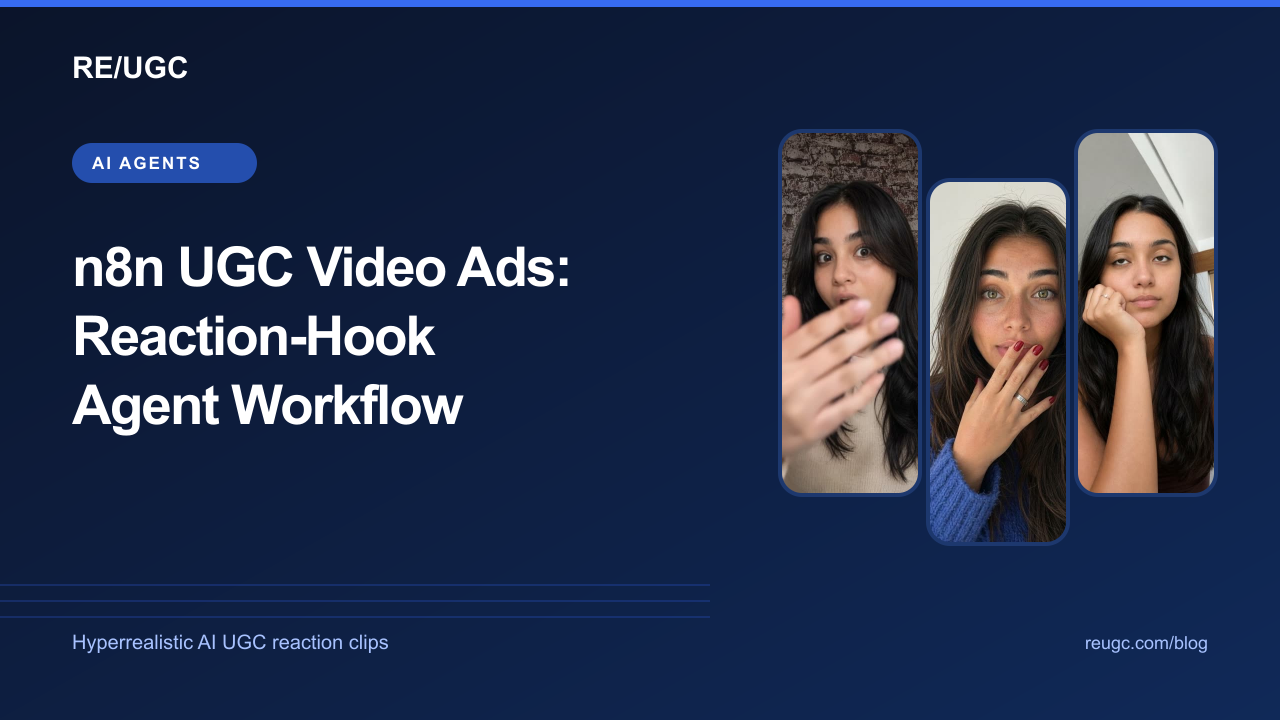
Short answer: in n8n, connect an AI Agent node to the RE/UGC MCP server with the MCP Client Tool, give it a system message that describes your ad rules, and trigger it from a chat, a form or a spreadsheet of briefs. The agent searches a library of hyperrealistic AI UGC reaction clips, returns three to five hook options with previews and fetches download links for the clips you own. You can import the finished template below and have it running in about ten minutes.
If you would rather work in a chat than a canvas, see how to make UGC ads with Claude. This guide is for growth marketers and agencies who already use n8n and want UGC-style hooks without a creator brief for every variation. It covers the template, the setup, how to scale it to a batch of briefs and the guardrails worth keeping.
How this differs from AI avatar workflows
Search for n8n UGC templates and most results chain an LLM script, an image model and a video model to generate a talking avatar per ad. That works, but every render costs money and time, and you review a new face every run. A reaction-hook workflow does something narrower: it picks an existing short reaction clip as the first second of the ad and leaves the product proof to your real footage.
| Generated avatar pipeline | Reaction-hook library workflow | |
|---|---|---|
| What the agent produces | A full talking-head video | A matched 1–5 second hook clip plus captions |
| Cost per variation | Model and render costs every run | Free for owned clips, 1 credit to unlock a new one |
| Speed | Minutes per render | Seconds per search |
| Consistency | New output each time | Same clip every time you reuse it |
| Where your product shows up | Described by the avatar | Shown in your own footage |
The two approaches are not exclusive. Many teams generate a few avatar explainers and run reaction hooks for fast variation testing. If you are deciding between them, read reaction hooks vs AI UGC.
The workflow at a glance
| Node | Type | What it does |
|---|---|---|
| When chat message received | Chat Trigger | Lets you type a brief and talk to the agent |
| AI Agent | AI Agent | Plans the search, calls the tools and writes the reply |
| Anthropic Chat Model | Chat model | The language model behind the agent (any supported model works) |
| Simple Memory | Window buffer memory | Remembers the last 10 messages, so ‘the second one’ makes sense |
| RE/UGC MCP | MCP Client Tool | Connects to https://reugc.com/mcp and exposes the library tools |
The MCP Client Tool gives the agent six tools: list_categories, search_clips, get_clip, get_account, get_download_link and unlock_clip. Only unlock_clip spends anything, and the template’s system message forbids calling it without an explicit yes.
Set it up in ten minutes
- In RE/UGC, open Dashboard → AI agents and create an API key. Copy it once; it is shown only at creation.
- In n8n, open a new workflow and use the ⋯ menu → Import from File to load the template, or add an AI Agent node and attach an MCP Client Tool sub-node.
- In the MCP Client Tool, set Endpoint to https://reugc.com/mcp and Server Transport to HTTP Streamable.
- Set Authentication to Bearer Auth and create a credential with your API key. Alternatively choose MCP OAuth2 and sign in with your RE/UGC account.
- Attach a chat model credential to the model node. The template uses Anthropic; OpenAI and others work the same way.
- Open the chat and send a brief, for example ‘Shocked reaction under 4 seconds for a budgeting app’.
The system message that keeps the agent useful
The RE/UGC server already sends the agent its workflow rules when it connects. Your system message should add what only you know: your brand, your claims and your approval policy.
Copy the AI Agent system message
You help our team pick reaction hooks for short vertical ads.
Brand: [name], [one-line product description]
Audience: [who]
Claims we can prove: [list]. Never suggest captions beyond these.
Workflow: call list_categories once, then search_clips with a category and max_duration_seconds 5.
Reply with 3-5 options: title, duration, owned or not, preview link, and one sentence on why it fits.
Only call unlock_clip after the user explicitly confirms spending 1 credit on that specific clip.
For owned clips, use get_download_link and remind the user the link expires in 5 minutes.
Also propose 3 hook captions (max 7 words) per option.
Scale it: one brief per row
The chat version is perfect for one ad at a time. For a weekly creative sprint, swap the trigger and run every brief in a spreadsheet through the same agent.
- Create a sheet with columns: product, audience, claim, feeling, platform, status.
- Replace the chat trigger with a Schedule Trigger (or a manual trigger) followed by Google Sheets → Get rows filtered to status = new.
- Feed each row into the AI Agent with a prompt built from the columns, and ask for options only, with no unlocks.
- Write the agent’s options back to the sheet (or post them to Slack) and set status = review.
- A person picks a clip per row. A second, small workflow unlocks only the approved clip IDs and fetches the download links.
Splitting ‘suggest’ from ‘unlock’ keeps credit spending deliberate even when the suggestion step runs unattended. It also leaves an audit trail: the sheet shows who approved which clip and when.
How many briefs and variations per sprint? Start small. Three reactions crossed with two captions on the same footage is usually enough to learn something; how many ad variations to test walks through the maths, and how to scale winning ad creatives covers what to do once one wins. Scheduled runs are also a cheap way to keep fresh hooks ready before creative fatigue sets in.
From clip to finished ad
The agent hands you the hook, the captions and a fresh download link. Rendering the final MP4 is a separate step, and you have three good options:
- Manual edit: download the clip and assemble it in CapCut with your footage. See the CapCut caption guide.
- Claude Code: let Claude download the clip and cut it with ffmpeg on your machine. See Claude Code video editing.
- A render node: add an Execute Command node with ffmpeg on a self-hosted n8n, or call a hosted rendering API, using the same cut list the agent wrote.
Whichever you choose, download the clip in the same run that fetched the link. Links expire after five minutes, and the agent can always fetch a new one for a clip you own.
Troubleshooting
| Symptom | Likely cause | Fix |
|---|---|---|
| 401 or ‘Sign in to RE/UGC’ | Missing or revoked API key | Recreate the Bearer credential with a current key |
| Agent says it has no RE/UGC tools | MCP Client Tool not attached to the agent’s Tool input | Connect it to the AI Agent’s Tool connector |
| Tools listed but searches return nothing | Category name guessed | Make sure the agent calls list_categories first; keep that line in the system message |
| Download link fails later | Link older than five minutes | Ask the agent for a new link and download immediately |
| Agent asks to unlock clips you already own | Old memory or a different account key | Clear the chat memory and check the key belongs to the right account |
| Requests time out | Slow model or network | Raise the MCP Client Tool timeout (the template uses 60 seconds) |
Frequently asked questions
Is there an official n8n node for RE/UGC?
You do not need one. n8n’s built-in MCP Client Tool connects to the RE/UGC MCP server directly, and the template above wires it to an AI Agent.
Does n8n cloud work, or only self-hosted?
Both. The MCP Client Tool and AI Agent nodes are available on n8n cloud and self-hosted. An Execute Command node with ffmpeg needs self-hosting.
Can the workflow spend my credits automatically?
Only if you let it. The template forbids unlocking without explicit confirmation, and the batch pattern above separates suggestions from unlocks entirely.
Which chat model works best?
Any model that handles tool calls reliably. The template ships with an Anthropic Claude model; swap the model node to use another provider.
Can I use OAuth instead of an API key?
Yes. Choose MCP OAuth2 in the MCP Client Tool and sign in with your RE/UGC account. API keys are simpler for scheduled workflows.