



How to Make UGC Ads with Claude: A Step-by-Step Agent Workflow
Connect Claude to a reaction-clip library with MCP, pick a hook, write caption variations and assemble a vertical UGC ad. Prompts, setup and mistakes to avoid.
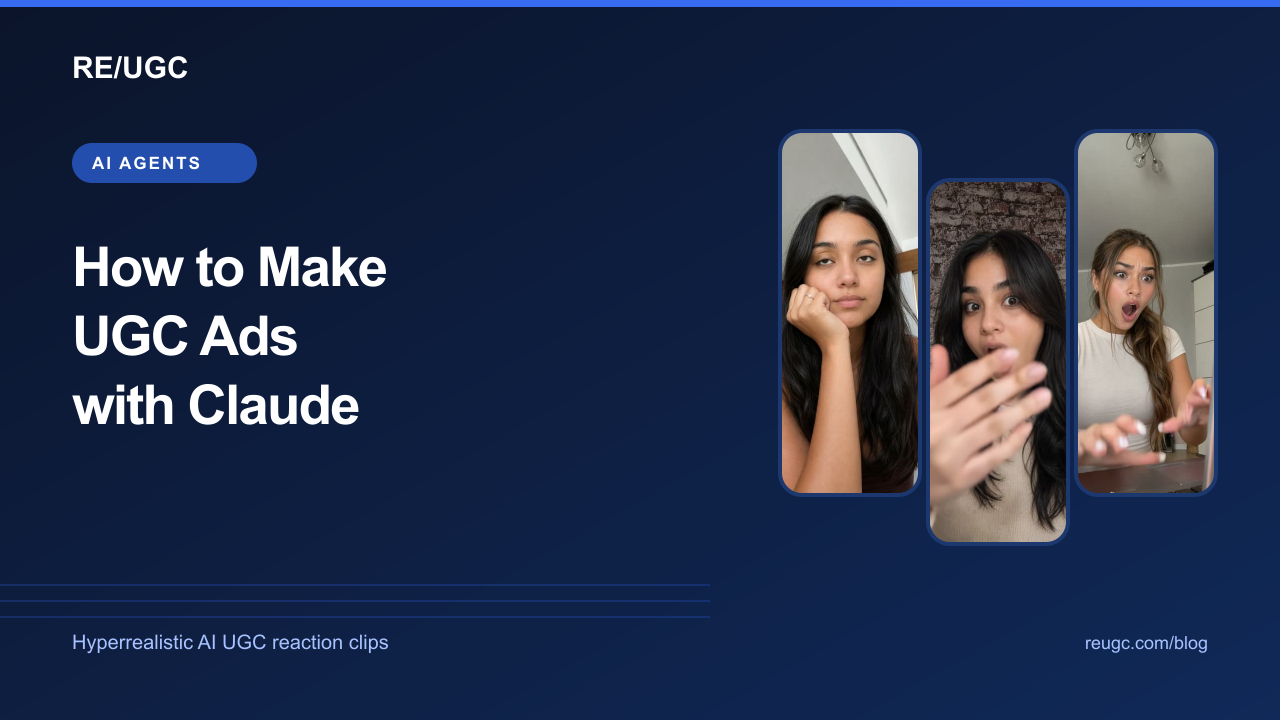
Short answer: connect Claude to the RE/UGC MCP server, describe your product and the feeling the first second should create, and let Claude search the reaction library, show you three to five previews, write the hook captions and plan the cut to your product footage. In Claude.ai you get the clip, the script and the edit plan; in Claude Code the same conversation can also cut the final MP4 with ffmpeg.
This guide walks through the whole workflow with copy-ready prompts. It assumes you sell an app, a SaaS product or a physical product and you want short vertical ads for TikTok, Reels or Shorts that open with a reaction hook. If the reaction-hook format is new to you, start with what a reaction hook is and the reaction hook examples for app ads, then come back.
What Claude can and cannot do for a UGC ad
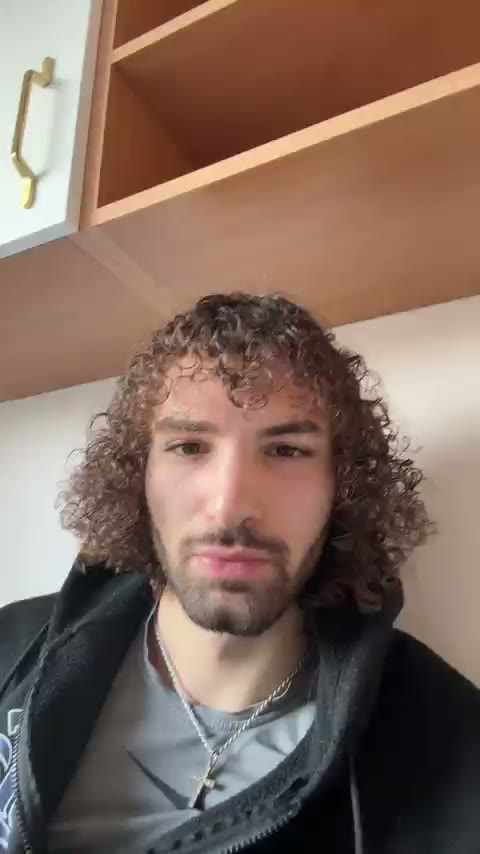
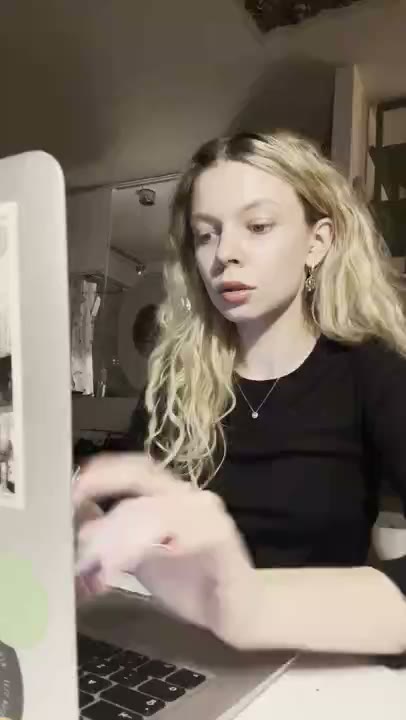
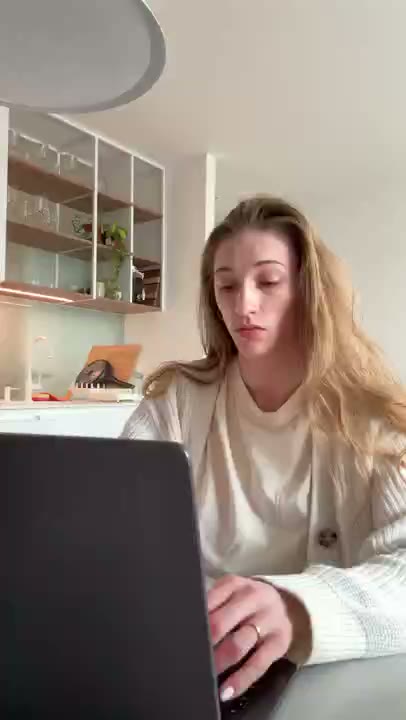
Claude is good at the parts of ad production that are mostly language and judgement: turning a vague brief into a clear hook, matching an emotion to a claim, writing ten caption variations that stay on message, and keeping a test plan honest. On its own it cannot browse a stock library or touch video files. The Model Context Protocol (MCP) closes the first gap: it lets Claude call tools on a server you approve, in this case search, preview and download for a library of hyperrealistic AI UGC reaction clips.
| Where you use Claude | Finds and previews clips | Writes hooks and scripts | Cuts the final video |
|---|---|---|---|
| Claude.ai (web, desktop, mobile) | Yes, with the RE/UGC connector | Yes | No. Export the clip and edit in CapCut or similar |
| Claude Code (terminal) | Yes, with claude mcp add or the plugin | Yes | Yes, with ffmpeg on your machine |
| n8n AI Agent node | Yes, with the MCP Client Tool | Yes | Only if you add a rendering step |
What you need before you start
- A Claude plan that supports custom connectors, or Claude Code for the terminal workflow.
- A RE/UGC account with library access or credits. Clips you already own download for free; unlocking a new clip spends 1 credit, and Claude asks you first.
- Your own product footage: a screen recording of the app doing the thing your hook promises, or a clean product shot. The reaction opens the ad; your footage pays it off.
- One sentence about the audience and the problem. ‘Freelancers who lose receipts’ beats ‘small businesses’.
Step 1: Connect Claude to the reaction library
- In Claude.ai, open Settings → Connectors. Find RE/UGC in the directory, or choose Add custom connector and paste https://reugc.com/mcp.
- Click Connect, sign in to RE/UGC and approve the permissions. Claude never sees your password or payment details.
- In a new chat, open the tools menu and make sure the RE/UGC connector is on.
In Claude Code, run claude mcp add --transport http reugc https://reugc.com/mcp, or install the RE/UGC plugin, which also adds a skill for editing hooks. The setup page for AI agents has the current steps for every client.
Once connected, Claude receives the library’s own instructions automatically: look up the real category names first, offer previews before downloading, ask before spending a credit, and download straight away because links expire after five minutes. You do not need to paste a long system prompt to get that behaviour.
Step 2: Give Claude a brief it can act on
The quality of the clip choice depends almost entirely on the brief. A reaction is only useful if it is the honest emotional response to the claim in your caption, so Claude needs to know the claim. Use this template and fill every line.
Copy the UGC ad brief for Claude
Product: [what it is, in one sentence]
Audience: [who, and the moment they feel the problem]
The claim: [the one thing the ad proves, e.g. 'turns a photo of a receipt into an expense line in 3 seconds']
Proof I have: [screen recording / product shot / before-after], length [x] seconds
Platform: [TikTok / Reels / Shorts / Meta ads]
Feeling for the first second: [shocked / relieved / laughing / confused / excited]
Tone limits: [e.g. no fake testimonials, no medical claims]

Use RE/UGC to find reaction clips under 5 seconds that fit this brief. Show me 3-5 options with preview links and tell me why each one fits the claim.
Notice the last line: it asks for reasons. When Claude explains why a confused reaction fits a ‘wait, it does that?’ claim better than a shocked one, you can catch a mismatch before you spend a credit.
Step 3: Choose the reaction
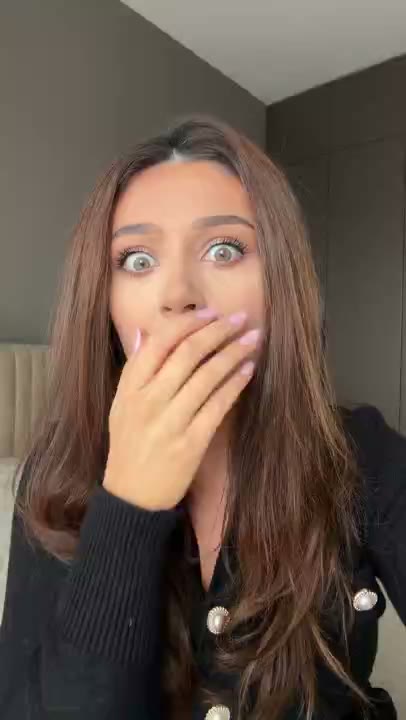
Claude will list the categories, search with a duration limit and come back with a short list: title, character, duration, whether you already own the clip, and a preview link. Open the previews. You are checking three things:
- The expression lands in the first second. If the reaction peaks at second three, the hook is late. Ask Claude to filter for shorter clips or a different category.
- The intensity matches the claim. A jaw-drop over a modest feature reads as parody. A mild smile over a big result undersells it.
- The frame leaves room for text. You will put a caption in the top third, so a face that fills the top of the frame makes captioning harder.
Ask for alternatives in plain language: ‘Same brief, but more relieved than shocked’ or ‘Show me two laughing options for a lighter variation’. Building a small set of different reactions for one claim is the cheapest creative test you can run; see how many ad variations to test for how many to launch at once.
Step 4: Unlock and download the original
If the clip you picked is already in your library, Claude fetches a download link immediately. If it is not, Claude tells you it costs one credit from your balance and waits for a clear yes. Answer for each clip individually; a good agent never unlocks a batch on one approval.
Download links expire after five minutes, so download the file as soon as Claude shares it. Do not paste the link into a shared doc or a Slack channel; ask Claude for a new one when you need the file again. Re-downloading clips you own is free.
Step 5: Write the hook caption and variations
Now use Claude for what it does best. Ask for caption variations that each make a different promise about the same proof, so your test teaches you which message works rather than which font works.
Copy the caption-variation prompt
Write 8 on-screen hook captions for the reaction clip we picked.
Rules:
- Max 7 words each, readable in under 2 seconds
- Each must be answered by my proof footage: [describe the footage]
- Mix angles: 2 POV, 2 problem, 2 curiosity, 2 result
- No claims my footage does not show
Then pick the 3 you would test first and say what each one tests.
Check every caption against the footage. If Claude writes ‘Saved me 4 hours a week’ and your recording shows a 10-second task, cut it. The caption is a promise, and the next three seconds have to keep it. Our UGC script templates and TikTok hooks for apps are useful references when you want Claude to imitate a specific structure.
Step 6: Assemble the ad
A reaction-hook ad has four beats. Ask Claude to fill this timeline for your clip and footage, then build it in your editor.
| Time | Visual | On-screen text | Job |
|---|---|---|---|
| 0–2 s | Reaction clip | Hook caption | Stop the scroll and set up the question |
| 2–8 s | Your product footage | Short labels for each step | Prove the claim, visibly |
| 8–12 s | Result screen or product in use | The outcome in numbers or words | Make the payoff concrete |
| 12–15 s | End card or app screen | One call to action | Tell the viewer the next step |
In Claude.ai, take the timeline into CapCut; the CapCut caption guide covers the hook caption and safe areas. In Claude Code, Claude can cut it for you with ffmpeg: see Claude Code video editing for the exact commands. If you want the same flow to run on a schedule or for a team, the n8n UGC video ads workflow shows how.
Step 7: Turn one ad into a test
One finished ad is a guess. Ask Claude to plan a small test instead: two or three reactions crossed with the two strongest captions, all using the same proof footage so you learn what changed the result. One product demo, five ad variations shows the same idea with finished examples.
Copy the test-plan prompt
Plan a creative test for this ad.
Keep the product footage and CTA identical.
Vary only: reaction clip (2-3 options from RE/UGC) and hook caption (2 options).
Name each variation like R1-C1, R1-C2...
For each, write one sentence on the hypothesis it tests.
Tell me which metric to judge first (hook rate / thumb-stop) and when to stop the losers.
When the results come back, paste the numbers into the same chat and ask Claude which variable moved them. For a deeper method, read creative testing for UGC ads and watch for creative fatigue once a winner has run for a while.
Prompt library
Copy five prompts for everyday use
1. 'Find 3 shocked reactions under 4 seconds for [claim]. Only show clips I already own.'
2. 'I own clip [id]. Give me a download link and 5 caption options for [product].'
3. 'Same brief, but the audience is skeptical. Pick a reaction that reads as surprised-but-believable.'
4. 'Write a 15-second timeline for clip [id] + my screen recording of [action].'
5. 'Here are my results: [paste]. Which variable explains the difference, and what should I test next?'
Mistakes to avoid
- Letting the reaction carry a claim your footage cannot prove. The fastest way to lose trust, and often a policy problem on ad platforms.
- Approving credit spend in bulk. Pick one clip, check it in context, then unlock the next.
- Presenting a reaction as a customer testimonial. A reaction clip is a hook, not a review. Keep testimonials for real customers; see UGC rights and usage.
- Sharing download links. They expire in five minutes and are tied to your account. Ask for a fresh link instead.
- Testing five things at once. If the reaction, caption, footage and CTA all change, you will not know what worked.
Frequently asked questions
Can Claude make UGC ads by itself?
Claude can find the reaction clip, write the hook and captions, plan the edit and, in Claude Code, cut the video with ffmpeg. It still needs your product footage and your approval for anything that spends credits.
Is the RE/UGC connector free to use with Claude?
Connecting is free for RE/UGC customers. Downloading clips you already own costs nothing; unlocking a new clip spends 1 credit from your existing balance, and Claude asks before doing it.
Does this work with ChatGPT too?
Yes. The same MCP server works in ChatGPT, where the agent can search, preview and download clips you own. Unlocking new clips is done from the RE/UGC dashboard there.
Can I use the finished ads commercially?
Clips your account owns can be used in personal and commercial content, including paid ads and client work, under the RE/UGC Terms. You cannot resell the raw clips or imply an endorsement by the person shown.
Which Claude model should I use?
Any current Claude model handles the search-and-script workflow. Use a larger model when you want stronger strategy and caption writing, and a faster one for routine variations.