



AI UGC Video Examples for Apps and SaaS
Watch 5 AI UGC video examples for apps and SaaS: a finished ad plus 4 reaction clips, each with a caption, the product shot to show next, and a checklist.
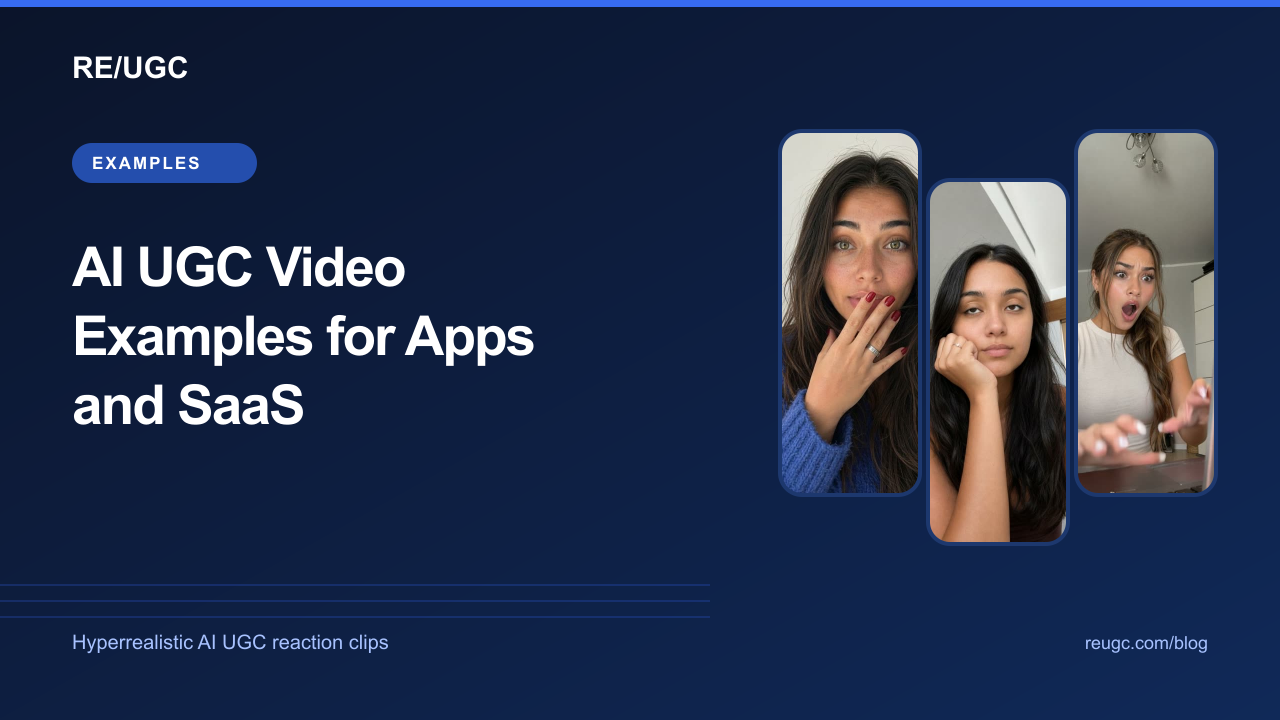
Short answer: an AI UGC video for an app or SaaS product usually has three beats: a 1-3 second hyperrealistic AI reaction with a caption that asks a specific question, a hard cut to your real screen recording that answers it, and a next step. Below is one finished illustrative edit and four playable raw clips, each paired with a caption and the product action that should follow.
RE/UGC supplies hyperrealistic AI UGC clips. You add the caption, screen recording, brand details, and final edit. The captions and scenarios here are editorial examples, not finished ads or claims about a named product. For the step-by-step edit, see how to caption an AI UGC reaction in CapCut. For background on the category, see what AI UGC is.
Watch a complete illustrative edit
| Time | What changes | Why it is there |
|---|---|---|
| 0–3 seconds | Reaction and “Still sorting tasks one by one?” | Names the problem before the interface appears |
| 3–9 seconds | Illustrative task board: three tasks move into Today | Shows the action promised by the hook |
| 9–12 seconds | “Try it with your next project” | Gives a next step without inventing a result |
The four raw clips below work as alternative openings for the same kind of edit. You can compare all five finished variations or follow the caption tutorial.
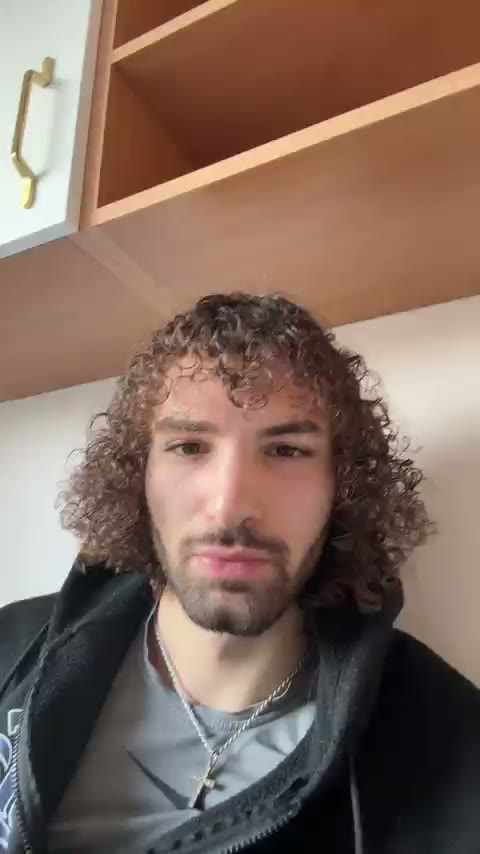
1. The discovery hook: a planning app
Keep the caption short and let the next shot deliver the transformation. If the app needs several setup steps first, show them or choose a less immediate claim. This format fits a product with a visible before-and-after state.
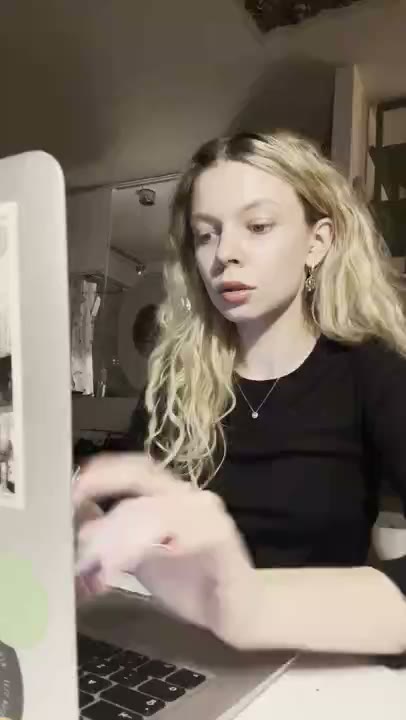
2. The objection hook: a B2B workflow tool
The point is not to pretend setup disappears. Show the first useful action and give the viewer a fair sense of the effort involved. For a longer onboarding flow, a narrow caption such as ‘Here’s what the first minute looks like’ may be stronger than a sweeping ease-of-use promise. This is a common SaaS pattern because switching cost is often the real objection.
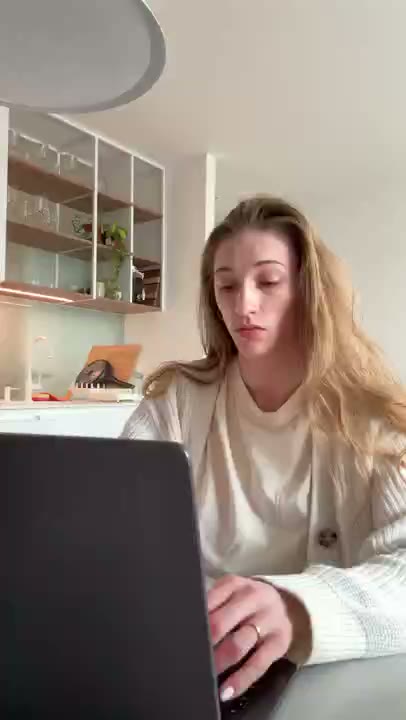
3. The curiosity hook: an analytics app
A dashboard only pays off the hook if the viewer can read it. Crop to one signal and explain what action it enables. Avoid demo data that looks like a customer result unless it is clearly marked as illustrative.
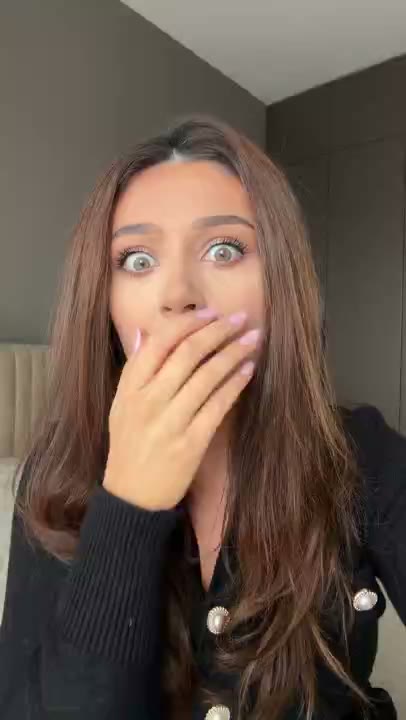
4. The surprise hook: a repetitive-task app
This works when the audience recognizes the task instantly. Name the task, not a vague benefit, and avoid an unverified time-saving number. A product screen demonstrating the change is more persuasive than an extra line of copy.
One clip, several audiences
The same reaction can open ads for different products or segments; only the caption and the demo change. Here is the discovery clip from example 1 re-captioned for three hypothetical SaaS products:
| Product | Caption over the same reaction | Demo that must follow |
|---|---|---|
| Meeting-notes tool | ‘Wait, it writes the action items for me?’ | A finished call turning into a list of action items |
| Invoicing app | ‘Wait, it drafts the invoice from my calendar?’ | Calendar events appearing as invoice line items |
| Support helpdesk | ‘Wait, it tags the tickets itself?’ | Incoming tickets receiving category tags |
Each caption is a question the next shot answers. If the product cannot show that exact action, rewrite the caption rather than the demo.
The reusable structure
| Beat | What the viewer gets | Your production input |
|---|---|---|
| Reaction | A visual reason to pause | One licensed AI UGC clip |
| Caption | A specific audience-relevant question | Your hook copy, checked against the demo |
| Demo | The answer in the product | Your actual screen recording or product footage |
| Next step | A clear action | A CTA that matches the destination |
AI UGC app ad build sheet
Clip: [emotion: surprise / relief / skepticism / curiosity] + clip ID
Caption (under 8 words, a question): [ ]
Cut to demo at: [about 2-3s]
Demo action (one, readable on a phone): [ ]
CTA (matches landing page or store): [ ]
Check: no first-person claim of use, no unverified numbers, AI label where the platform requires it
Checklist before you publish
- The reaction's emotion matches the caption.
- The demo starts by about second 3 and answers the caption directly.
- Screen text is readable on a phone; crop or zoom where needed.
- Demo data is fictional or sanitized, with no real user information.
- No testimonial framing. The AI character asks or reacts; it does not claim to have used the product.
- Platform labeling for AI-generated content is applied where required.
Test different questions over a stable demo before rebuilding the whole ad, and track which opening reaches the product action and which visitors continue to a qualified step. The 25 UGC reaction hook examples give you more caption directions. If you use AI agents, the RE/UGC agent integration lets Claude or ChatGPT search clips by emotion, and Claude Code video editing shows how to assemble the edit automatically.
Frequently asked questions
Are these finished AI UGC ads?
Only the first video is a finished illustrative edit, built around a fictional task board. The other four are raw AI UGC reaction clips; the captions and product pairings show how to assemble an ad for your own product.
Can I use the same clip for different app audiences?
Yes, if the clip's expression fits each message and your usage rights permit it. Change the caption and pair each version with an accurate demo and destination.
How long should the AI reaction be?
Usually one to three seconds. Long enough to register the emotion and read the caption, short enough that the demo starts while curiosity is still open.
Do AI UGC videos work for B2B SaaS?
The structure works when the demo shows one clear action, such as an automated step or a readable insight. For complex products, pair the reaction with a short voiceover or narrow the promise to the first useful action.
What should I measure?
Early hold, whether viewers reach the product action, and qualified downstream actions such as signups or trials. Views alone do not tell you whether the opening attracted the right audience.