



How to Turn One Product Demo into Five Ad Variations
Watch five illustrative ad edits built around one task-board demo, copy the shot list, and use a worksheet to compare openings without changing everything.
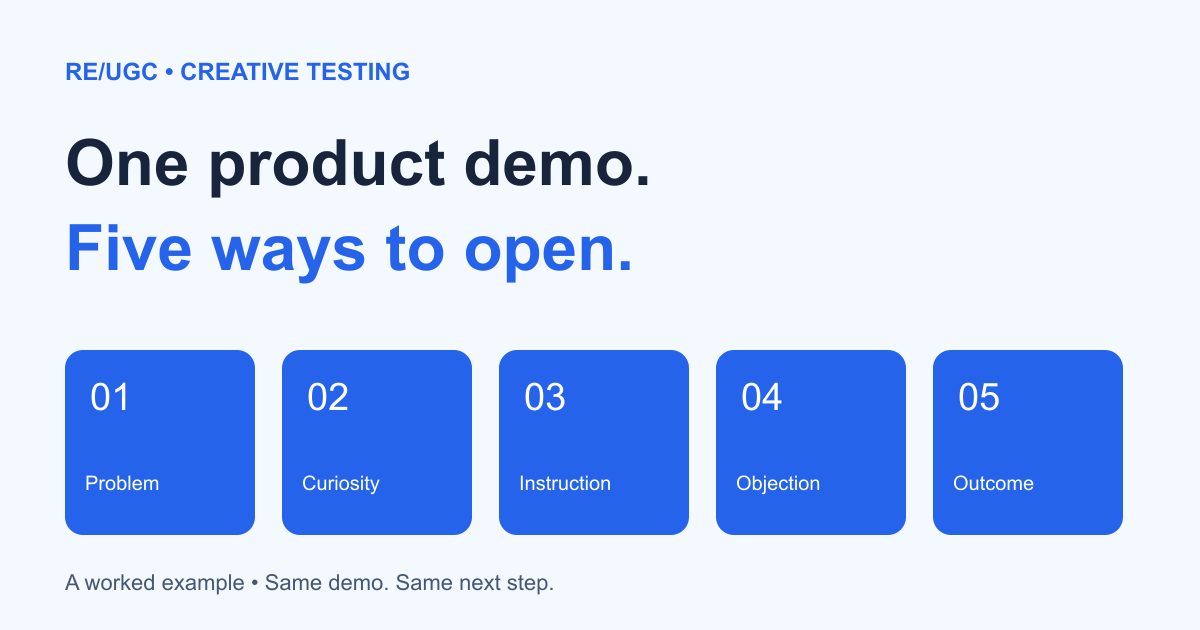
To create five useful ad variations, keep the product demonstration and next step fixed and change the opening. That makes production manageable and gives you a clearer question to test. It does not guarantee a winner.
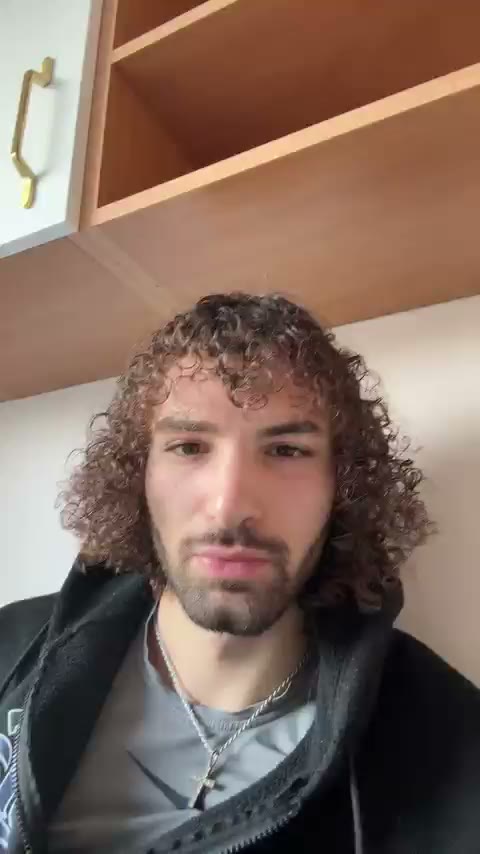
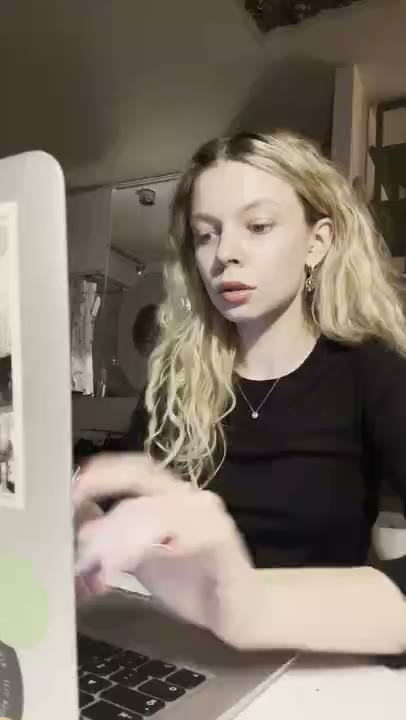
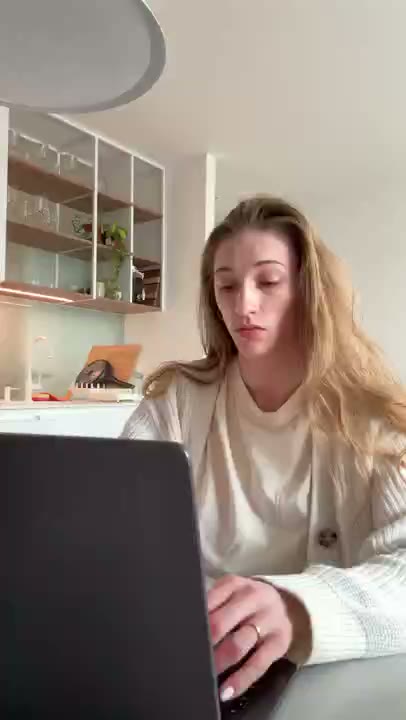
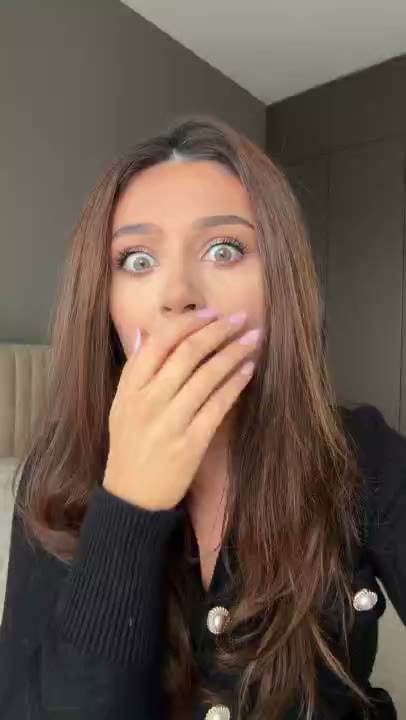
The examples below use a fictional task-board prototype made for this guide. The interface moves three sample tasks from Inbox into Today. The people are AI-generated reaction characters, not customers. These are finished editing examples—not ads we ran or evidence of conversion performance.
Start with one visible action
Choose something your actual product can demonstrate without a long explanation. Record the starting state, the action, and the result. Hide personal data. For this example the demonstration occupies seconds 3–9, followed by the same next-step card in seconds 9–12.
Watch the five variations
1. Problem recognition
Names a recognizable task before showing the action. Test this when the audience already understands the problem.
2. Curiosity
Opens a specific question that the demonstration answers. Avoid holding back the answer just to prolong the video.
3. Direct instruction
Starts with the action instead of suspense. This is a useful comparison when the product is easier to understand by seeing it.
4. Objection
Acknowledges a possible objection. The following footage needs to show the real workflow, including any setup your product requires.
5. Outcome preview
Names the visible end state. Keep the claim narrow: organizing tasks is not proof that the user becomes more productive.
What stays fixed and what changes
| Keep fixed | Change in this exercise |
|---|---|
| Product action and demonstration footage | Opening caption and reaction clip |
| Length, closing card, and destination | The opening angle |
| For a campaign: offer, audience, placement, and attribution settings where feasible | The opening package, not every creative variable |
Because these examples change both the caption and reaction, they test an opening package. To isolate wording alone, use the same clip under all five captions. To isolate expression, hold the caption fixed. Ad delivery is not always evenly randomized, so unequal spend is not proof of a winner.
Copy the production brief
One-demo production brief
Product action:
Source recording and permission:
0–3 seconds: opening angle and caption
3–9 seconds: same demonstration in every variant
9–12 seconds: same next step in every variant
Five opening filenames: A / B / C / D / E
Export size and caption check:
Destination and offer:
Claim verification:
Record a useful result
Creative test worksheet
Variant ID:
Opening angle:
Start and end date:
Audience / placement / objective:
Spend / impressions / clicks:
Purchases or chosen conversion:
Opening attention metric and definition:
CPA (spend divided by conversions):
Known changes or tracking problems:
What the result suggests:
Next test:
Do not label a variant a winner because it has one more purchase from a tiny sample. Set your decision criteria before launch and keep attribution delays in mind. If attention improves but purchases do not, inspect the promise, landing page, and checkout instead of assuming the hook solved the whole funnel.
Build your own version
Choose a reaction opening, adapt a UGC script, and follow the CapCut caption walkthrough. If an existing ad is declining, use the creative fatigue checklist before replacing it.