



Hooks for Instagram Reels: What Works in 2026
Thirty Reels hook ideas with opening-frame examples, caption guidance, and a practical way to test them with your own audience.
Short answer: a good Instagram Reels hook makes sense with the sound off, names one clear reason to keep watching in under eight words, keeps text clear of Instagram's buttons and caption area, and gives people a reason to save or send the Reel. Write the on-screen text first, choose a first frame that also reads as a still, and test variations with your own audience.
A Reels hook gives someone a clear reason to watch the next moment: a question, a recognizable problem, or an action with a visible result. Platform-wide rules about which style always wins are a poor substitute for testing. This guide covers how Reels differs from TikTok and gives you 30 hooks written for Instagram. For the underlying mechanics that apply everywhere, see the video hooks guide; for TikTok-native openers, see best TikTok hooks.
Opening frames you can build
| Hook text | First frame | Next shot |
|---|---|---|
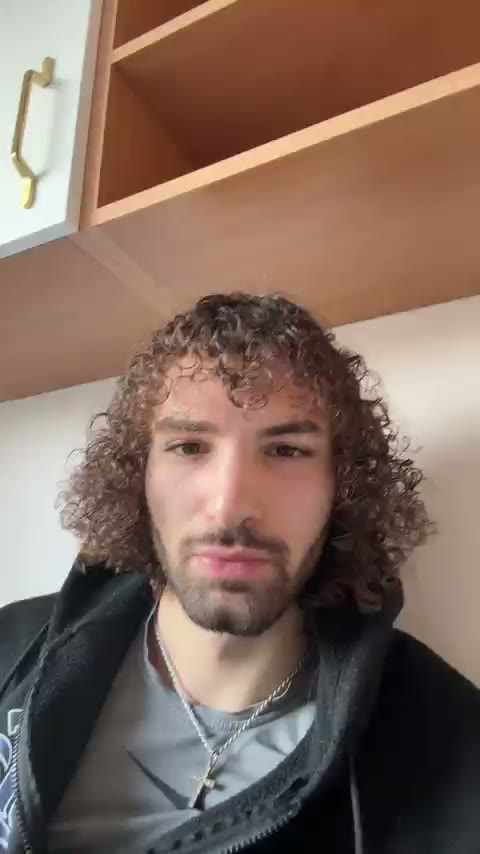
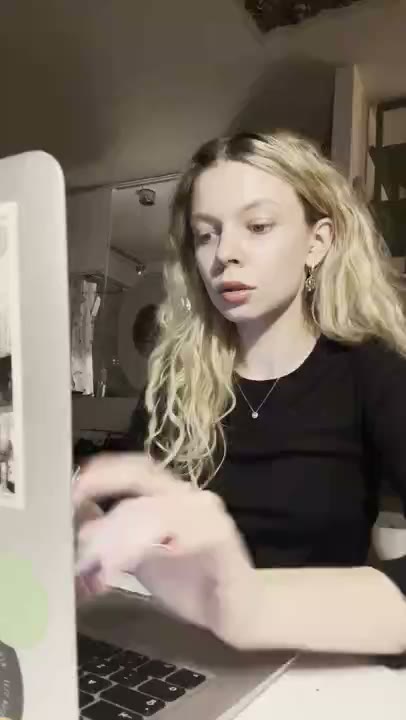
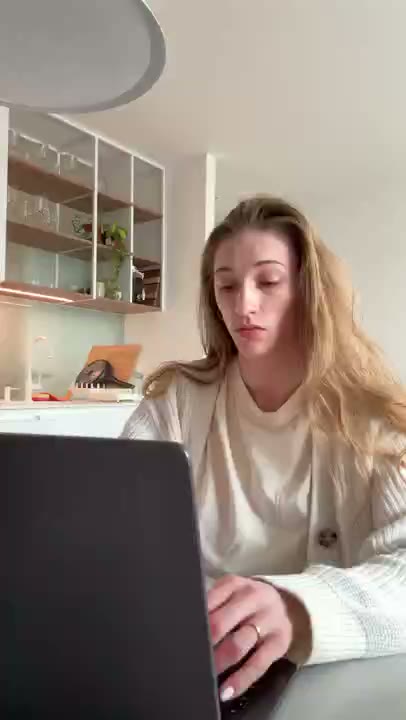
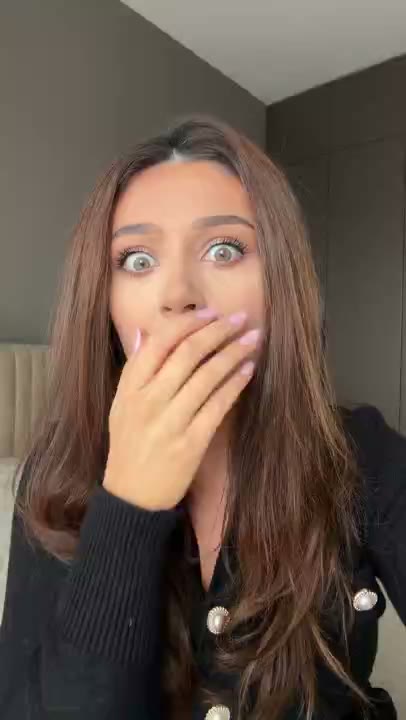
| “Still sorting tasks one by one?” | Reaction clip with the caption above the face | A task moves from Inbox to Today |
| “Can this fit on one shelf?” | The objects beside the empty shelf | Show the actual arrangement |
| “Which version is easier to read?” | Two versions of the same slide | Highlight the specific change |
| “What happens when the date changes?” | Calendar entry with the current date visible | Move it and show the supported update |
Keep the caption short enough to read on a phone. Preview it in the intended placement: interface controls can overlap the image. These are concepts to test, not proven winners or claims about an actor’s experience.
Adapt to the viewing context
| Decision | Practical check |
|---|---|
| Sound | Play the export muted; the opening should remain understandable |
| Visual style | Test your footage in the placement rather than assuming polish helps or hurts |
| Text placement | Inspect the app preview so controls do not obscure essential words |
| Audience | Adapt the example to people who may not know the product |
| Outcome | Judge qualified actions as well as attention |
A useful Reel can be watched in several contexts. Make its opening self-contained and its first frame readable; measure how your own audience responds.
The Reels hook rules
- Write the hook as text first, audio second. If muting the video removes the hook, it doesn't work on Instagram.
- Keep text clear of the bottom and the right rail. The caption, username, audio label, and action buttons cover parts of the frame. Text placed centrally, a little above the middle, is usually safe; check the preview before posting.
- Aesthetic consistency helps here. Unlike TikTok, a coherent visual identity across Reels compounds — profile visitors judge your grid as a body of work.
- Build for the share. Use a share prompt only when the information is useful to someone beyond the viewer.
- Front-load the payoff promise. Someone discovering you may have no context, so state the subject early.
- Loop where you can. A Reel whose end flows into its start invites rewatches, which Instagram counts as watch time.
30 hooks built for Reels
Reference-worthy hooks
- "Save this before Instagram buries it"
- "You'll need this later. Trust me"
- "The list I wish someone had given me"
- "Bookmark this for your next launch"
- "5 things I'd do differently. Saving you the years"
- "Screenshot this one"
Share-triggered hooks
- "Send this to the friend who keeps saying they'll start"
- "Tag someone who needs to hear this today"
- "If your group chat argues about this, settle it"
- "POV: your business partner sends you this"
- "Someone needs to show this to their boss"
- "This is your sign. Forward accordingly"
Muted-first hooks (text carries everything)
- "3 hours of work → 4 minutes"
- "Before | After"
- "$0 budget. Here's what happened"
- "Week 1 vs Week 12"
- "The mistake in this photo cost me $2,000"
- "Read this if you're stuck at the same number"
Curiosity hooks
- "Nobody told me this until year three"
- "I found what the top accounts actually use"
- "This is the part everyone skips"
- "The reason your Reels aren't reaching anyone"
- "I tested this so you don't have to"
- "There's a reason this keeps working"
Product and app hooks
- "Wait — it does this automatically?"
- "I cancelled three subscriptions after finding this"
- "The app that fixed my worst admin day"
- "I was paying $500/month for what this does free"
- "My whole workflow, in one screen"
- "I almost didn't try it. Glad I did"
Where Reels hooks are seen (and why it changes the hook)
A Reel can reach a viewer through several different surfaces, and each one arrives with a different level of goodwill. Writing one hook for all of them is one reason cross-posted content can disappoint.
| Surface | Viewer's state | Hook adjustment |
|---|---|---|
| Main feed (followed accounts) | Warm — they chose you | Can assume some context; story and series hooks work |
| Reels tab (algorithmic) | Cold — pure discovery | Zero context; front-load the claim, name the audience |
| Explore grid | Browsing, visual-first | The opening frame is a thumbnail — it must be visually legible as a still |
| DM share | Warm and recommended | Arrives with a personal recommendation; the sender already did part of the hook's job |
| Profile visit | Evaluating you | Consistency across covers matters more than any single hook |
The Explore and profile rows have a practical implication: Reels are often seen as stills before they play. Instagram lets you choose a cover image, so set one deliberately, and make your opening frame legible as a still too, since that is what autoplay shows first. A frame that only works in motion looks like a blurry accident when frozen.
Worked example: one Reel, three hooks
Account: a small studio selling printable wedding planners. The body of the Reel is fixed: a flip-through of the planner pages, a close-up of the budget tracker, and the checkout screen.
| Hook type | First frame | Text overlay | Why it fits Reels |
|---|---|---|---|
| Save-worthy | The full 12-month checklist page, readable as a still | Save this before you book a venue | Reference content people return to |
| Share-triggered | A worried reaction clip | Send this to the friend who just got engaged | Gives a reason to DM it to someone specific |
| Muted-first | Split screen: messy notes app vs. planner page | Notes app | Actual plan | Fully understandable with no sound |
Post one as a regular Reel and, if your account has it, use Instagram's trial option to show another variation to non-followers first. Compare watch time, saves, and shares rather than likes.
Reels hook plan
Surface you most expect: [feed / Reels tab / Explore / DM share]
Cover image: [still that explains the topic]
First frame: [readable as a still, already moving]
Text overlay (max 8 words, clear of buttons and caption): [ ]
Spoken first line (optional): [ ]
Save or share reason: [why someone would keep or send this]
Payoff by second: [ ]
Metrics to compare: watch time, saves, shares, profile visits
Common Reels hook mistakes
- Text that only exists in the voiceover. Muted viewers miss the whole hook.
- Reposting TikTok exports with the watermark. Instagram has said it favors original content; re-export from your project instead.
- Save prompts on content nobody needs to keep. The ask without the value is transparent.
- Ignoring the cover. A random mid-blink frame on your grid undermines the hook before anyone taps.
- Judging on likes. Watch time, saves, and sends say more about whether the hook did its job.
Adapting a TikTok hook for Reels
- Add or strengthen the text overlay so the hook survives muting.
- Reposition text to the top third — Instagram's UI covers more of the bottom than TikTok's.
- Remove TikTok-native slang that reads as borrowed on Instagram.
- Add a save or share prompt if the content is genuinely reference-worthy. Don't add one if it isn't; the ask without the value is transparent.
- Re-export without the TikTok watermark. Export from your original project so the result is clean and readable.
Reels hooks for products and apps
The reaction-hook-then-demo structure works on Instagram as it does on TikTok: a filmed or AI UGC reaction is an alternative to test against a screen-led opening. The Instagram-specific adjustment is that your caption text must carry the claim on its own, since some viewers will never hear the audio. Keep the face for the pattern interrupt, and let the overlay do the persuading. If you are running Reels as paid placements, see our Facebook and Instagram ad hooks; the full formula is in the UGC ads playbook.
Frequently asked questions
What's a good hook for Instagram Reels?
One that works with the sound off. Because some viewers watch muted, a useful starting point is a clear text overlay placed clear of Instagram's buttons and caption, paired with visual motion, such as a filmed or AI UGC reaction, in the first frame.
Are Reels hooks different from TikTok hooks?
Adapt the opening to the audience, placement, and interface. Keep the text understandable without audio and test variants rather than assuming a platform rewards one production style.
How long should an Instagram Reel be?
For hook-driven content, a short edit can be a useful starting point. Longer Reels can work when the content genuinely warrants it, but the hook still has to land within the first two seconds.
Why do my Reels get fewer views than my TikToks?
Common causes are visible TikTok watermarks, hooks that depend on audio, and text placed where Instagram's interface covers it. Fix those three before concluding it's the platform.
Do hashtags matter for Reels reach?
Use relevant descriptions and hashtags, but do not expect them to compensate for an unclear video. Test the opening and judge results in your own account.