



UGC for Mobile Apps: A Practical Guide to App Ad Creative
Learn how to use UGC-style reactions, app demos, and clear CTAs to make mobile app creative with a practical production and testing process.

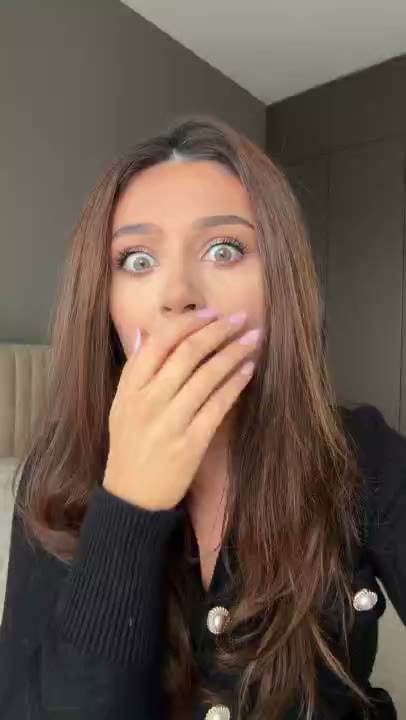
Mobile app marketing has a demonstration problem: the product may be useful, but a cold viewer sees a small screen before they understand why it matters. UGC-style creative can provide a relatable entry point through a reaction, question, founder explanation, or first-person situation. The app demo must then carry the proof.
UGC-style describes a format. It does not automatically mean the person on camera used the app, reviewed it, or recommends it. Keep claims accurate, secure the rights you need, and make the product screen legible. Related hook examples are in UGC reaction hooks.
What is UGC for mobile apps?
- A reaction that creates curiosity before a screen recording.
- A founder or creator explaining a problem and showing the relevant action.
- A screen recording with spoken narration and captions.
- A permissioned customer testimonial with a truthful, supported claim.
- A problem-to-demo-to-CTA video built for paid social or organic distribution.
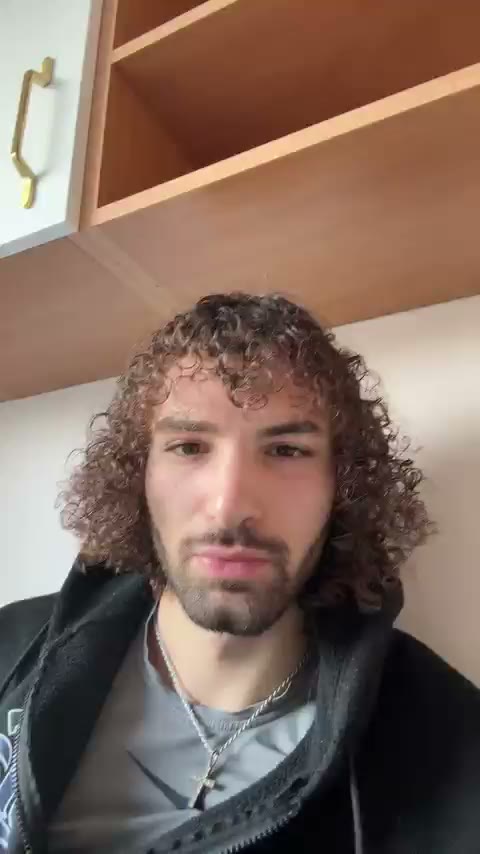
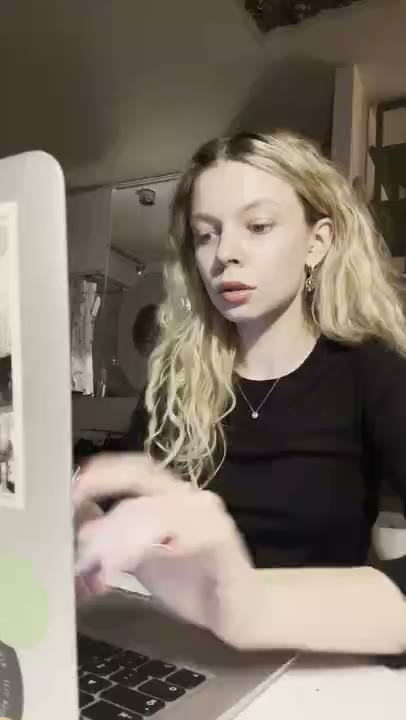
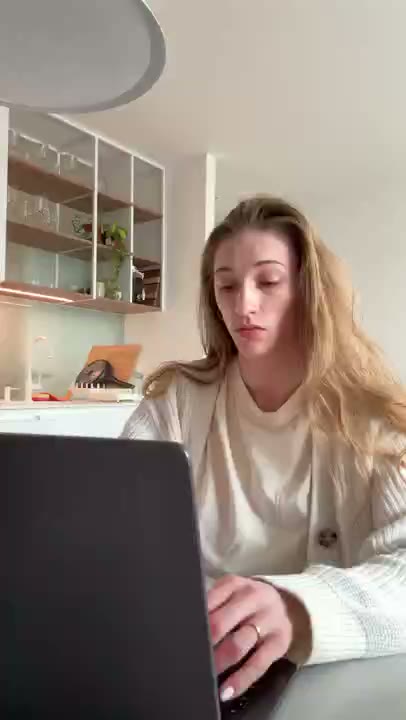
These formats serve different purposes. A customer testimonial shares personal experience, a creator can explain the product, and a RE/UGC hyperrealistic AI UGC reaction can introduce your app demo.
The anatomy of a useful app UGC ad
- Specific problem: name a situation a target user recognizes instead of saying the app changes everything.
- One promise: choose one action, such as categorizing a transaction or turning a note into options.
- Legible screen: show the state before and after the action with sanitized data.
- Relevant context: identify who the app is for and when the workflow is useful.
- Credible CTA: say whether the viewer should try the app, see a demo, or learn more.
| Layer | Question it answers | Quality check |
|---|---|---|
| Reaction opening | Why should I keep watching? | Does it name a real situation? |
| Product action | What does the app actually do? | Can the action be followed without guessing? |
| Context | Is this for someone like me? | Is the role and use moment specific? |
| CTA | What happens next? | Does the destination match the wording? |
Six formats worth testing
- Reaction plus demo: use a brief question or reaction, then show one product action.
- Founder walkthrough: name the problem and demonstrate the shortest accurate path.
- Before-and-after workflow: show the old manual step and the app-assisted step fairly.
- Objection answer: open with a concern such as setup, then show the relevant screen.
- Use-case sequence: show a few small use cases for one defined audience, not every feature.
- Customer proof: use a permissioned customer and a measurable claim with documented context.
The strongest format depends on the claim. If the message requires a genuine lived experience, use a real customer or creator who has that experience. If the question is which opening helps a fixed demo make sense, a licensed reaction asset may be sufficient. App promo video has additional demo sequencing ideas.
A small-team production workflow
1. Write the brief
Record the audience, problem, one product action, claim, CTA, destination, and required disclosure. If the team cannot state the one action, the creative is not ready to film.
2. Create three or five hooks
Write a question, an objection, a situation-based opener, and optionally a founder or reaction version. Keep the body and demo constant so the opening remains the main variable.
3. Capture the product
Use a clean test account or sanitized data. Capture the relevant action vertically at a pace a new user can follow. Hide private information and notification noise. Plan edit points before filming the human layer.
4. Edit for comprehension
Show the app early, remove pauses, keep captions in safe areas, and check the video with sound off. The spoken script and captions should agree rather than competing for attention.
5. Ship a controlled test
Make five versions with the same demo and CTA. Change the first hook rather than changing the audience, offer, demo, and destination together. Give every file a stable creative ID.
Rights, disclosure, and accuracy
- Get written permission for image, voice, performance, paid ads, edits, territory, and duration.
- Confirm whether a clip can be combined with your app demo and whether music or other elements have separate restrictions.
- Do not use a reaction to imply a testimonial or personal app experience that did not occur.
- Do not show fabricated app results, invented reviews, private user data, or a sample screen as a typical customer result.
- Disclose sponsorships, partnerships, and synthetic media where the applicable platform or market requires it.
Disclosure: reugc.com publishes this guide and sells a library of UGC-style reaction hook clips. The clips are creative assets, not customer testimonials by themselves. The advertiser remains responsible for the truthfulness of the app claim, the finished edit, and the license scope.
A five-variation measurement plan
Keep the demo, audience, destination, CTA, and run window constant where possible. Track the complete path rather than relying on views alone:
- Thumb-stop or three-second view rate, if the platform reports it.
- Hold rate through the first product action.
- Click-through rate and qualified landing-page visits.
- Signup, activation, checkout start, paid conversion, and refund.
- Cost per qualified signup or purchase for paid distribution.
Judge results in order. Weak hold suggests an opening problem; good hold with weak qualified clicks suggests a demo or message-match problem; good clicks with weak activation points toward the store listing, onboarding, or offer. The correct diagnosis depends on the event implementation and enough volume to compare variants.
Creator, library, or in-house?
| Route | Best fit | Tradeoff |
|---|---|---|
| In-house | Frequent product changes and technical accuracy | Requires founder or team production time |
| Creator commission | Specific audience, language, or genuine lived experience | Briefing, rights, and revisions take longer |
| Licensed clip library | Several opening tests around an owned demo | The clip may be less app-specific |
Compare speed, rights, editability, audience fit, cost per usable variation, and the proof each route can honestly provide. A clip library can speed up the opening layer, but it does not remove the need for accurate product evidence. See UGC for SaaS for the same division of labor in software marketing.
Frequently asked questions
Does UGC work for every app?
No format works for every app. Test whether a reaction opening improves comprehension and qualified action. Security-sensitive or highly technical products may need a longer founder-led explanation.
Is a reaction clip a testimonial?
No. It becomes testimonial-like when the content makes a personal-use or outcome claim. Label the format accurately and do not imply product experience that did not occur.
How long should a mobile app UGC ad be?
Start with the shortest version that explains one problem and one action. The right length depends on the platform, audience, and complexity of the app.
How should an app founder measure UGC?
Measure from qualified view to product action, click, signup, activation, and paid conversion where supported. Keep creative IDs and campaign parameters consistent.