



App Promo Videos: The Demo Structure That Actually Converts
How to make an app promo video: script template, App Store preview and Google Play rules, ad vs store video differences, and mistakes to avoid.
Short answer: a good app promo video shows one surprising thing the app does, mid-action, within the first few seconds, states the result plainly, adds at most one supporting feature, and ends on a simple CTA, all in about 15 to 20 seconds of vertical video for ads. App Store previews follow different rules (15 to 30 seconds, aimed at people already evaluating the app), so make them separately.
The default app promo video is a feature tour: open the app, walk through the menus, show each capability in order, end on a logo. It's the most common structure and one of the least effective, because it answers a question nobody asked. Viewers don't want to know what your app contains. They want to know what it does to their problem.
Below: the structure, how to pick the feature, a copyable script, the recording and editing setup, how one demo feeds many ads, and the store-preview rules.
Why feature tours fail
- They front-load navigation. Menus, settings, and onboarding are the least interesting parts of any product and the first things a tour shows.
- They're organized by your architecture, not the viewer's problem. Your information hierarchy is not their priority order.
- They dilute attention across many features. A video about six things is a video about nothing; viewers remember at most one.
- They delay the payoff. By the time a tour reaches the genuinely impressive part, most viewers have left.
- They open on the product. A bare interface gives a scrolling viewer little reason to stop. The alternative opening is explained in reaction hooks.
Nobody has ever installed an app because they were impressed by its settings menu.
The structure that works
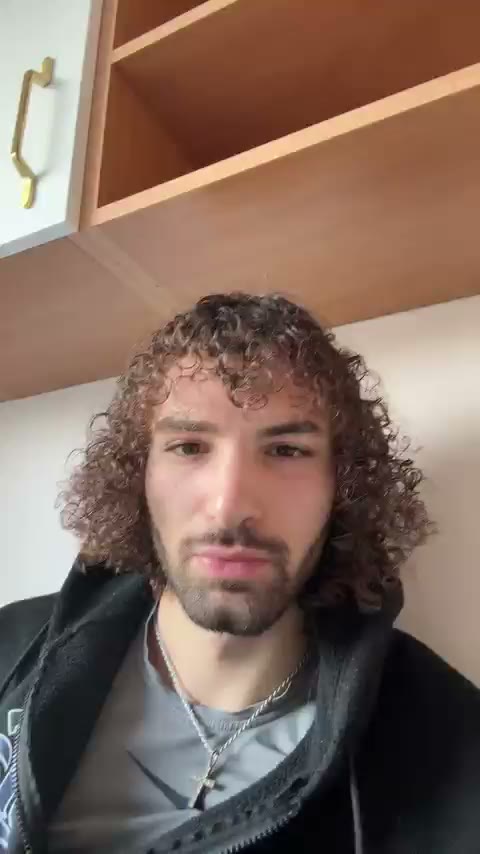
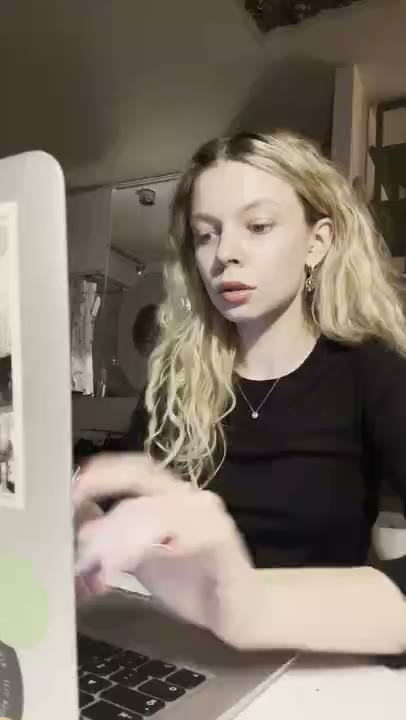
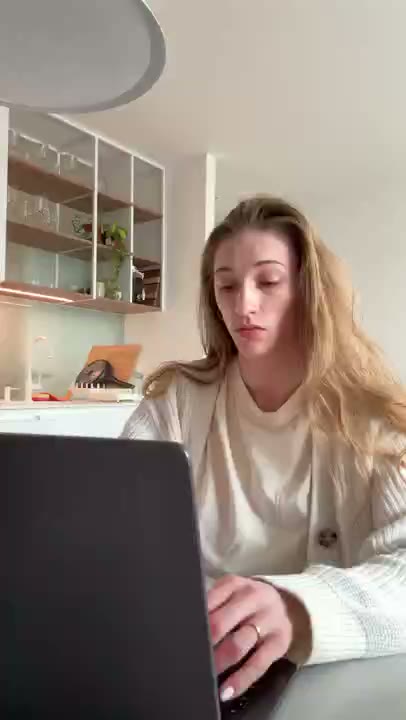
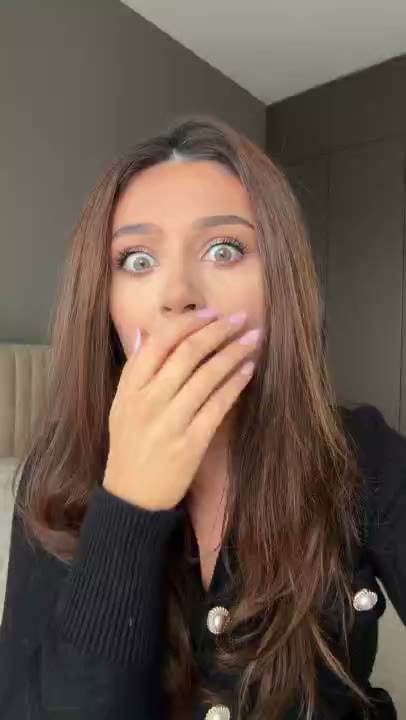
- 0–3s — reaction hook. A filmed or clearly represented AI UGC reaction clip with a bold caption. Not your app. Not your logo. A face and a claim.
- 3–8s — the wow moment, mid-action. Hard cut directly into the single most surprising thing your app does, already happening. No login screen, no empty state, no navigation to get there.
- 8–14s — the payoff made concrete. What just happened, stated plainly: 'that's twelve invoices, sent, in about forty seconds.'
- 14–18s — one supporting capability. The second-best thing, kept brief. Resist adding a third.
- 18–20s — soft CTA. App name on screen, 'free to try.'
The load-bearing decision is what goes in seconds 3–8. Pick the one moment that makes a new user say 'wait, it does that?' — not your most-used feature, not your most technically impressive one. The most *surprising* one. Surprise is what earns the remaining fifteen seconds.
20-second app promo video script
0-3s   HOOK: [reaction clip or on-screen problem] + caption: "[the claim, max 7 words]"
3-8s   WOW: screen recording, already mid-action: [the one surprising action]
8-14s  PAYOFF: show the result; caption/VO: "That's [concrete result] in [honest time/steps]."
14-18s SUPPORT: [second-best capability], one beat only
18-20s CTA: app name + "[Free to try / Link in bio]" + store badge

Worked example (expense app):
0-3s  Shocked reaction, caption "It read my receipt?"
3-8s  Phone camera snaps a crumpled receipt; fields fill in
8-14s "Merchant, amount and category, filed in 3 seconds"
14-18s Monthly report export, one tap
18-20s "Free to try" + app name
Recording a demo that looks right
- Record at device resolution, vertical. Reframing a landscape recording into 9:16 crops away exactly the UI you needed.
- Use realistic, populated data. Empty states and placeholder entries like test test test destroy credibility instantly. Fill the app with plausible content before recording.
- Slow your cursor and taps deliberately. What feels sluggish while recording reads as clear on playback; native speed reads as a blur.
- Record far more than you need. Ten minutes of raw footage yields the six usable seconds. Recording exactly what you planned means reshooting when the edit needs a beat you didn't capture.
- Turn off notifications. A banner mid-demo is both distracting and, occasionally, an accidental privacy incident.
- Consider hand-held phone footage. A real hand holding a real device reads as usage rather than as a product video; test it against a clean screen capture.
Turning one demo into twenty ads
Because the hook and the demo are separate clips joined by a hard cut, the demo becomes a fixed asset and everything in front of it becomes a variable:
| Variable | How to vary it | Effort |
|---|---|---|
| Reaction clip | Swap the opening 3 seconds | Seconds — the highest-leverage change available |
| Caption / claim | Rewrite the on-screen text | Seconds |
| Niche framing | Re-record narration: 'if you're a freelance designer…' | Minutes |
| Voiceover script | New narration over identical footage | Minutes |
| Demo order | Lead with a different feature | One re-edit |
| Length | 15s cut-down vs 30s version | One re-edit |
The niche-framing row is quietly the most valuable. One demo plus five audience framings is far cheaper than five different demos, and specificity reads as relevance. The five-variation worked example shows this end to end. The full testing system is in creative testing.
Choosing which feature to show
This is the decision most teams get wrong, and it's worth a structured approach rather than an instinct. Score each candidate feature on three axes:
| Axis | Question | Why it matters |
|---|---|---|
| Surprise | Would a new user say 'wait, it does that?' | Surprise is what earns the remaining 15 seconds |
| Visual legibility | Can someone understand it in 4 seconds with no explanation? | If it needs narration to parse, it's the wrong opener |
| Speed of payoff | Does the result appear near-instantly on screen? | Features with delayed output don't demo well, however good they are |
Your most-used feature usually scores badly on surprise (it's expected) and your most technically impressive one often scores badly on visual legibility (it's invisible). The winner is frequently a smaller feature that happens to be instantly comprehensible and mildly astonishing — a one-tap import, an automatic categorization, a thing that fills itself in.
Editing rules for app demos
- Cut every loading state. Even a 400ms spinner reads as friction. Trim it out entirely.
- Speed up navigation, keep results at real time. Fast-forward the getting-there; let the payoff land at natural speed so it's believable.
- Zoom in on the moment that matters. Full-screen UI on a phone is small; a punch-in on the changing element directs attention where you need it.
- Add a subtle highlight or cursor. Viewers need to know where to look, and you have about a second to tell them.
- Captions for everything spoken. A large share of viewing is muted; uncaptioned narration reaches only part of your audience.
- No transitions between demo beats. Hard cuts throughout. Transitions read as production, and production reads as advertising.
App store videos are a different job
Don't reuse your ad unchanged as your app store preview. The contexts are opposite: an ad interrupts someone who wasn't looking for you, while a store visitor already tapped through and is evaluating. The store video's job is confirmation, not seduction.
- Lead with the core use case, not a reaction hook — the viewer is already interested.
- Show more of the actual interface. Here they genuinely want to know what using it feels like.
- Assume muted playback. Design so captions and on-screen action carry the message without sound.
- Choose the poster frame. It is shown before playback; Apple defaults it to 5 seconds in unless you pick another.
- Stay within the store limits. Apple's app preview specifications require 15 to 30 seconds, up to three previews per device size and language, H.264 or ProRes 422 (HQ) files up to 500MB, and a maximum of 30 fps.
- Google Play works differently. Play uses a YouTube video link on the store listing rather than an uploaded file; check the current Play Console preview asset guidance before publishing.
| Paid social promo video | App Store preview | |
|---|---|---|
| Viewer | Scrolling, not looking for you | Already on your listing, evaluating |
| Length | About 15-20 seconds | 15-30 seconds (Apple) |
| Opening | Hook: reaction, problem or claim | Core use case on screen |
| Footage | One wow moment plus result | More of the real interface and loop |
| CTA | Free to try, link in bio | The store's Get button does the work |
Common app promo video mistakes
- Starting with a splash screen or logo animation. The most valuable seconds go to the least interesting frame.
- Landscape footage cropped to vertical. Record vertical from the start.
- Claims the footage does not prove. If the caption says three seconds, the clip should show roughly three seconds.
- Real customer data on screen. Use a demo account populated with plausible fake data.
- Music that drowns narration or narration with no captions.
- Presenting a reaction performer as a user. A reaction opener sets the mood; it is not a testimonial.
Frequently asked questions
How long should an app promo video be?
About 15 to 20 seconds is a practical starting point for paid social, long enough for hook, proof and CTA. Apple App Store previews must be 15 to 30 seconds. Test a shorter and longer cut of your best version rather than treating any length as a rule.
What should an app demo video show?
One surprising capability, shown mid-action. Skip login screens, empty states, and navigation. Pick the moment that makes a new user say 'wait, it does that?' rather than your most-used or most technically impressive feature.
Should I use a screen recording or filmed footage?
Both work. Clean screen recordings are sharper and easier to produce; hand-held footage of a real device reads as usage rather than as a product video. Test both against the same hook.
Do I need a different video for ads and the app store?
Yes. Ads interrupt someone who wasn't looking for you and need a hook to earn attention. Store previews are viewed by people already evaluating you, so they should lead with the core use case and show more of the real interface.
How many app promo videos do I need?
One well-made demo, plus many hook and framing variations in front of it. Because the hook and demo are separate clips, one demo can generate twenty distinct ads by swapping the opening three seconds and the narration.
Can AI help make an app promo video?
Yes, for parts of it. Hyperrealistic AI UGC reaction clips can supply the opening seconds, and an AI agent can search clips and assemble cuts: see [RE/UGC for AI agents](/agents) and the [Claude Code video editing guide](/blog/claude-code-video-editing). The product footage should be a real recording of your app.