




Mobile App Video Ads: Formats That Drive Quality Installs
Plan mobile app video ads around the install-to-activation journey, with formats and measurement guidance for paid social.
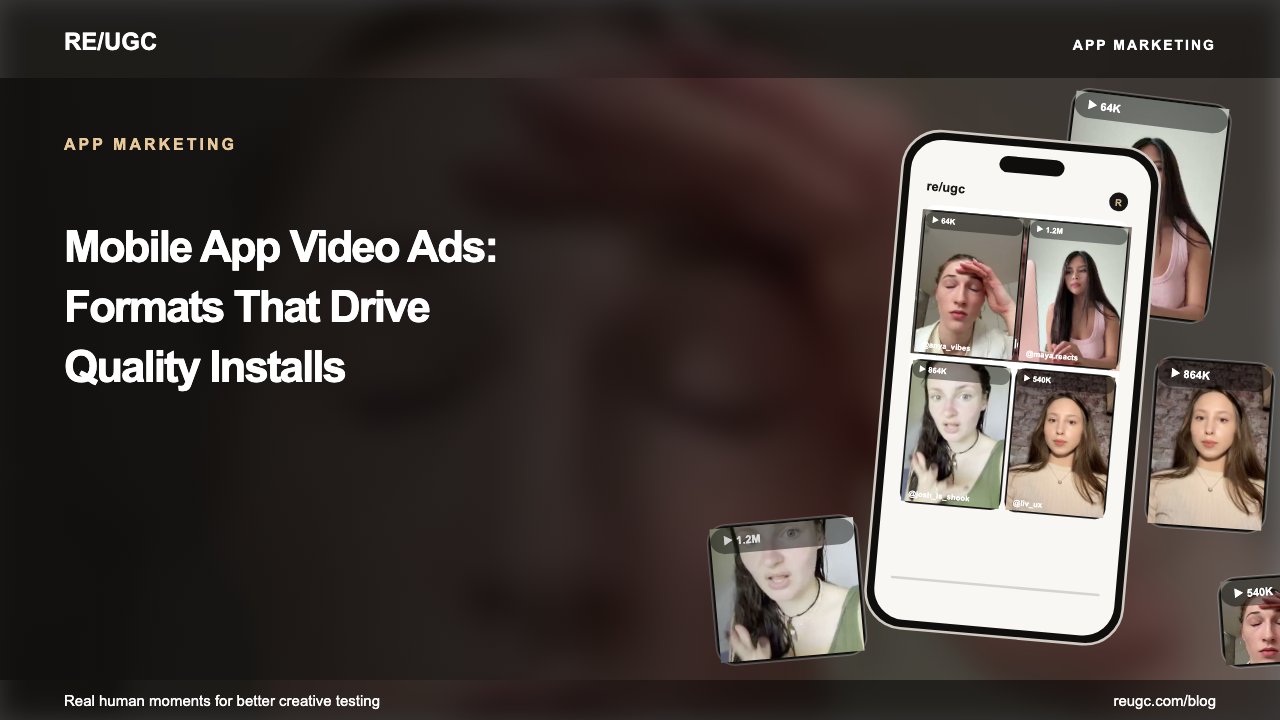
Mobile app video ads have two jobs, and the order matters: earn the install and set the expectation for what happens after it. A beautiful ad that attracts the wrong motivation produces cheap installs and dead activation, and the product takes the blame for a creative problem. The best app video ad is a short promise followed by visible product proof and an onboarding-aware CTA — the viewer should be able to predict their first session before they tap.
Formats matter less than mechanism, which is why the best way to study them is through app install ad examples broken down by motivation. This guide gives you the formats, the 20-second structure, the hook and script mechanics, and the measurement that separates ad quality from click luck.
The two jobs of an app video ad
Job one is attention: the first two seconds must earn a stop. Job two is expectation: by the final frame the viewer should know who the app is for and what the first session looks like. Most app ads nail one and ignore the other — brilliant hooks that install users who churn by day two, or clear demos that nobody watches past the logo.
An install is only as valuable as the expectation that produced it.
Formats to test
Match the format to the motivation of the audience you're testing. The same app can need a reaction-led acquisition ad and a screen-tutorial retargeting ad; they're not competitors, they're funnel stages.
| Format | Strength | Best test |
|---|---|---|
| Reaction + screen | Human attention plus proof | Cold acquisition |
| Before / after | Makes transformation concrete | Utility apps |
| POV skit | Native discovery | Lifestyle and social apps |
| Screen tutorial | Explains a workflow | Complex tools |
| Testimonial | Trust and objection handling | Subscriptions |
The throughline across all five: a face or a moment earns the watch, and the screen pays it off. When the screen can't pay it off, the ad dies at click-through, not at hold.
The 20-second structure
Here's the skeleton that carries most quality install video. Timings are a starting point, not a law — the mechanism is what matters.
- 0–2s: show the person, tension, or result.
- 2–6s: name the situation and why the old way fails.
- 6–14s: demonstrate one key action and its output.
- 14–18s: answer one objection with a realistic detail.
- 18–20s: state the next action and match the store destination.
Keep screen recordings large and intentional. Crop out irrelevant status bars, zoom into the action, and use captions that identify the promise. If the app needs permissions or setup, don't imply instant magic — credibility at install is worth more than a misleading click, because the click becomes a churn you pay for twice. The production details for a reusable demo are in our app promo video guide.
Hooks: earn the first three seconds
The first three seconds decide everything downstream, and they're the cheapest element to vary. A reaction, a problem, a result-first number, or a POV — against the same demo, hook type is the highest-leverage test you can run.
- Reaction openers — surprise, disbelief — earn attention before the product appears.
- Problem openers name a specific recurring moment so the right viewer self-selects.
- Result-first openers lead with the finished output and explain it backwards.
- POV openers put the viewer inside the situation — most native on TikTok.
- For a ready-made bank of app-specific structures, see hooks for mobile apps.
Scripts and voiceover
Once the hook earns the watch, the script has to keep it. Short sentences, one idea each, customer vocabulary — the voiceover should sound like a person explaining the app to a friend, not a feature list. Our UGC ad script guide covers the full pattern: hook, proof, expand, push.
Measure beyond the install
Install volume flatters weak creative. The metrics that tell you whether an ad is genuinely good all live after the tap.
- Hold rate and qualified CTR show whether the opening and promise work.
- Install rate shows how well the ad and store page align.
- Activation shows whether the acquired motivation matches product value.
- Retention and paid conversion determine whether the creative is economically useful.
- Segment results by creative mechanism so you can iterate deliberately.
| Metric | What it diagnoses |
|---|---|
| Hold rate | The opening — did the hook earn the watch? |
| Qualified CTR | The promise and demo — did intent survive? |
| Install rate | Message match between ad and store |
| Activation rate | Whether the acquired motivation matches product value |
| Retention / paid conversion | Whether the install is economically useful |
Diagnose top-down in that order, the way creative testing prescribes. A weak hook being fixed with a better store page is the most common — and most expensive — mistake in app video.
A testing cadence for app video
- Monday: write ten hooks from reviews and support language; pick five for the batch.
- Assemble one demo and five openings — one editing template where only the first three seconds swap.
- Launch all five in one ad group against the same audience and destination.
- Thursday: read hold rate first. Kill anything below account average.
- Take the winner's mechanism, build three variations for next week, and scale the winner 20–30% per day.
Common mistakes
- Leading with the logo or a feature tour — screens don't stop scrolls.
- Showing UI a new user can't reach in the first session.
- Overpromising onboarding that can't deliver — activation dies and the product gets blamed.
- Judging winners by install cost alone while activation stays invisible.
- Re-exporting the whole ad for every hook instead of swapping three seconds. That's why one team ships an ad a week while another ships five a day.
Frequently asked questions
How long should an app video ad be?
Start at 15 to 30 seconds with the product payoff visible early. Use longer edits only when the workflow genuinely earns extra time — complexity is an excuse, not a strategy.
Should I use a real person?
A face or a hand is one way to make an opening relatable, but test whether it improves results. You can use a customer, creator, founder, licensed filmed clip, or clearly represented AI UGC character. Keep claims and rights accurate — see the [UGC ads playbook](/blog/ugc-ads).
What is the most important app ad metric?
The one tied to business value — usually activation or retained paid conversion. Use hold rate and CTR only to diagnose which layer of the ad needs work.
How many video ads should I test?
Five hook variations against one stable demo is a solid floor. Hooks are the cheapest element to vary, and the winner almost always comes from mechanism, not from more demos.
Do app video ads work on TikTok?
Yes — TikTok app campaigns run on creative signals, so native, human-led openings with a clean proof demo perform well. Set the campaign up with post-install events, not just installs: see [TikTok app campaigns](/blog/tiktok-app-campaigns).