



UGC Platforms for Apps: What Mobile Teams Need
Choose UGC production support for mobile apps by evaluating app demos, creator fit, paid rights, and post-install measurement.
UGC for an app has an invisible product problem. The thing you're selling lives behind a screen — nobody can tell a great workflow from a mediocre one by looking at a thumbnail. So app UGC works when a relevant reaction clip earns the first three seconds and a crisp screen recording proves the rest. Choosing a UGC platform for an app is really about finding support that can produce that specific combination, repeatedly, with rights you can legally run as paid ads.
This guide walks through the app-specific criteria most platform checklists miss — demo quality, hook variety, store fit, rights, and post-install measurement — then gives you a concrete first batch you can ship this week. If you're earlier in the journey, the UGC ads playbook frames the broader strategy, and the video hooks guide explains why the opening decides so much.
Why app creative is a different problem
For a physical product, the product is the ad: hold it, show it, open it. For an app, the product is an interaction, and interactions are notoriously hard to convey. A screenshot tour doesn't stop a scroll. A feature list is background noise. What works is the structure that dominates winning app campaigns: a reaction hook that opens curiosity, then a hard cut to one compelling on-screen moment — the auto-organize, the instant result, the two-tap workflow.
That division of labor is why app teams so often get UGC sourcing wrong. They commission 'a UGC ad' as if it were one thing, when it's really two assets with different requirements: the face (which must be emotionally legible and cheap to vary) and the demo (which must be accurate, current, and product-specific). Platforms and production routes differ sharply in how well they serve each half. If the format is still fuzzy, what makes a UGC ad work frames it before you buy anything.
The face earns the watch time; the screen earns the install. Most app UGC fails because it asks one asset to do both.
What to screen for: app-specific criteria
| Need | Why it matters | How to check |
|---|---|---|
| Demo literacy | A creator who can't demo credibly can't sell an app | Ask for a sample screen recording with live voiceover, not just a talking head |
| Hook variety | Utility, emotion, POV, and objection openers need different faces | Ask how many opening variations you get per concept |
| Store fit | The ad promise must match screenshots and onboarding | Request a 15-second cut with your App Store or Play listing open beside it |
| Paid rights | Organic clips can't legally run as ads by default | Get paid-channel, editing, and duration terms in writing |
| Activation tracking | Installs alone hide the truth about creative quality | Confirm creative IDs survive into the MMP or analytics events |
Run every candidate platform through those five rows before you look at pricing. The budget question only matters once you know a vendor can produce footage that works and rights that survive an audit. The governing principle is the same as every platform decision: cost per experiment beats cost per video — because an app account learns from variations, not from assets.
The sourcing options, app edition
The same five categories apply to apps, but the ranking shifts because of the demo problem. Full category detail lives in the UGC platforms buyer's guide; here's the app-specific read:
Creators and agencies
Custom creators are the strongest route for product-specific testimonial content — a real user saying 'I stopped doing X manually' while your app is on screen. Cost runs $60–$250 per clip from marketplaces and $1,500+/month for managed agencies. The trade-off for apps: you pay per video, and quality varies, so the per-experiment math gets brutal when you're testing hooks. Agencies solve attention but cap your iteration speed at weeks while the app stores and ad platforms learn in days.
AI generators
Useful for AI UGC reactions, presenters, voiceover, translation, and script variations when the output fits the campaign. Review visual quality and accuracy, disclose the source appropriately, and test the hook. AI characters cannot supply customer experience. See the AI UGC analysis for the distinction.
Licensed clip libraries
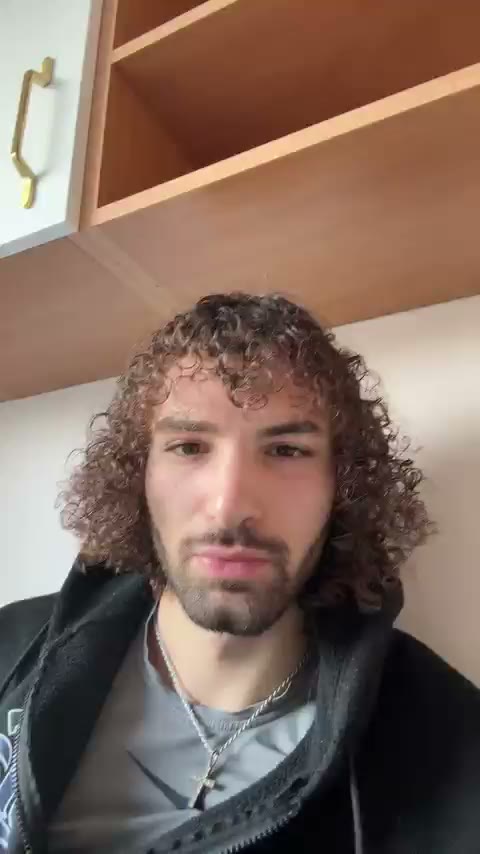
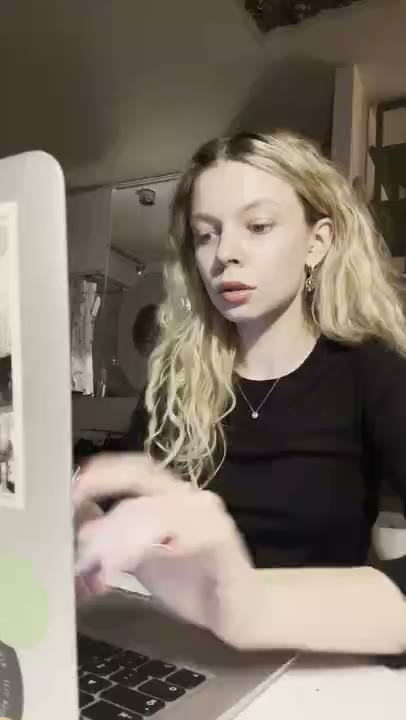
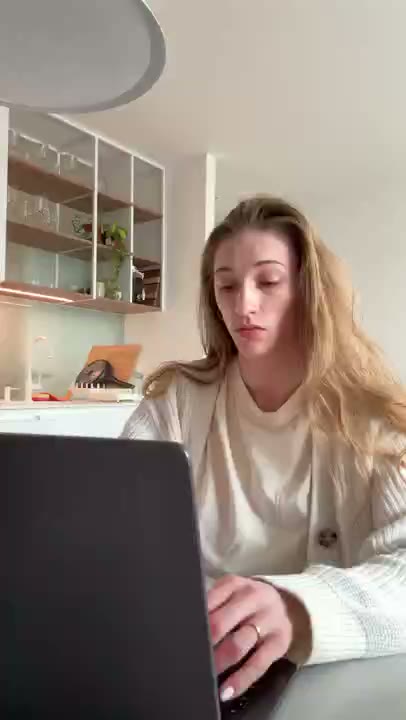
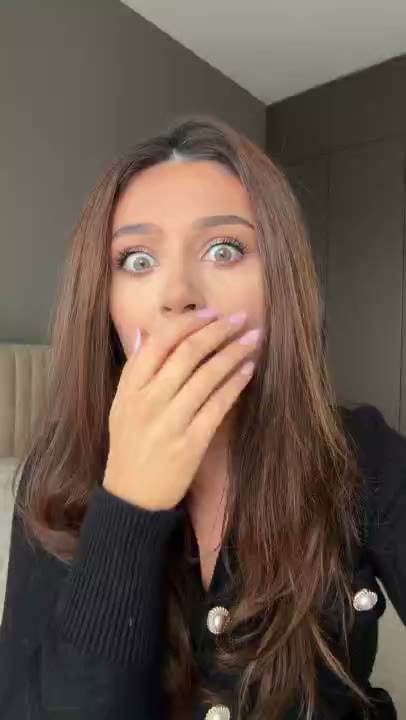
Ready-made reaction clips with commercial-use rights. Libraries can offer filmed or AI-created assets; RE/UGC offers hyperrealistic AI UGC reaction clips. For apps this is the strongest hook-testing route, because the highest-leverage, most-worth-testing part of the ad becomes free per variation — you swap a three-second opener, keep the demo fixed, and learn which tension opens your audience. The constraint is honest: clips are ready-made, so the product appears in your demo, not in the clip. That's exactly the right division of labor for the reaction-open format that wins app installs.
Rights and measurement: the two things app teams miss
Two failures quietly sink app UGC programs. First, rights: many marketplace clips cover organic use but not paid advertising, whitelisting, or usage beyond six to twelve months. Second, measurement: if your creative ID doesn't survive into the MMP, you'll be judging ads on installs while the real metric — activation — sits in a different dashboard.
- Confirm paid advertising usage, duration, editing, and platform coverage in writing before spending a dollar — the full checklist is in the UGC rights guide.
- Tag every creative with an ID and pass it through the MMP or analytics so installs and events map back to the specific hook and demo.
- If you can't track events per creative, treat the batch as one test, not five — you don't have the data to do otherwise.
- Put the rights and tracking requirements in the brief you send every vendor, so you're not negotiating them after the footage exists.
The modular app creative system
The single biggest throughput unlock for app teams is treating a creative as modules rather than an indivisible ad: hook, voiceover, screen proof, caption, and CTA. One strong, accurate demo becomes your fixed asset; hooks, voice, and captions swap around it. When fatigue hits — and app creative fatigues in two to six weeks — you refresh the opening without touching the demo that still works.
- Build one clean demo. Ten to fifteen seconds of the single most surprising capability, no onboarding, no menus. Screen-record at full resolution with captions burned in.
- Assemble a hook bank. Reaction openers sorted by emotion — shock, relief, skepticism, delight — from a licensed library plus any organic footage you have.
- Write hooks in batches of ten to twenty. Mine app store reviews, support tickets, and churn surveys for the exact words customers use. Use a hook swipe file when you stall.
- Assemble in a template. One edit project where only the first three seconds and the caption swap. Export five, upload five.
- Name for the machine. `demo1-hook-priceshock-v3` so results are readable in the ad manager without a spreadsheet.
Your first app batch: a worked template
Here's a concrete first batch for a mobile productivity app, built on one demo and five openers. It's designed to be shippable in an afternoon and readable in 48–72 hours:
- Pick one activation outcome — 'first task organized in the app' — and write five hooks around it: a shocked reaction ('wait, it just did that?'), a price surprise ('the free tier does this?'), a POV complaint ('every Sunday I did this by hand'), a result-first ('my to-do list sorts itself now'), and an objection ('I thought it was another subscription trap').
- Pair each with the same 15-second demo of the auto-organize moment, keeping the demo identical across all five so only the opener changes.
- Match the store listing. Update the first screenshot and subtitle to mirror whichever hook wins, so the post-click experience agrees with the ad.
- Launch all five in one ad group, same audience, same conversion event, and resist reading results for 48 hours.
- Judge in order: hold rate for the hook, then CTR for the demo, then activation events for the offer and store fit. Kill anything below account average at day three and scale the winner 20–30% per day — the creative testing system has the full rules.
Reading the results: app funnel order
- Weak hold rate: the hook lost. Swap the opener, not the landing page.
- Good hold, weak CTR: the demo didn't pay off the hook's promise — fix the screen proof.
- Good CTR, weak activation: the store listing, onboarding, or offer is the leak. That's a product problem, not a creative problem.
- Strong activation but high CPA: inspect CPM and audience before blaming creative; the UGC benchmarks give you a baseline to compare against.
- Rising frequency with sagging hold: fatigue. Refresh the hook first — the cheapest fix and usually the sufficient one.
Keep a running document of which mechanisms won and lost. After three months, that document describes your specific audience better than any generic advice, because it was written by their clicks. The purpose of a UGC platform, at the end of the day, is to feed that loop faster — more meaningful variants, quicker turnarounds, cleaner rights.
Common app UGC mistakes
- The all-features demo. One app, five features, zero retention. Choose one outcome per ad; feature lists reduce clarity.
- The polished screen tour. Walking through menus reads as a tutorial, and tutorials don't convert. Show the wow moment working, nothing else.
- Reposting a customer's video without rights. A takedown on the ad account is the polite version; the legal version is worse. License or get written permission.
- Judging ads on installs. If activation is the metric, an install that never activates is wasted budget — and creative IDs that die at the app store hide that truth.
- One creative, one prayer. UGC's advantage is iteration. Running a single app UGC ad 'to test UGC' tests nothing; the UGC ad testing system has the mechanics.
Frequently asked questions
Do app UGC creators need a large following?
Not for paid creative. What matters is on-camera clarity, audience fit, and a believable use case — a creator who can demo a workflow credibly beats a popular creator reading a script. Follower count only matters if you plan to run the content organically or as a Spark Ad from their handle.
What is the best proof for an app ad?
A real user situation followed by a visible path to a useful outcome: the frustration named, then the app performing the single most surprising capability in ten to fifteen seconds. Generic screen tours and feature lists lose to that every time.
Can one creator explain every feature?
It's usually better to give each ad one outcome and one reason to believe. Feature lists reduce clarity, and a demo that tries to show everything shows nothing. Keep one app, one outcome, one hook per creative.
Should app teams use a library or custom creators?
Use a licensed library for hook testing — the opening is the highest-leverage, cheapest-to-vary element — and commission custom creators for product-specific testimonials once a mechanism proves out. The blend is what most scaling accounts end up running; the [marketplace vs library breakdown](/blog/ugc-agency-vs-stock-library) has the math.
How do I know if app UGC is working?
Trace past the install. If activated users cost less via UGC than your other creative, it's working. Tag creative IDs through the MMP, judge hold rate → CTR → activation in order, and compare against your account history before changing anything.