

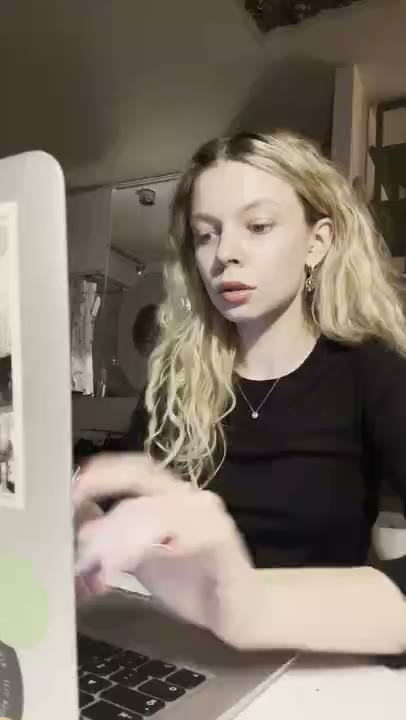

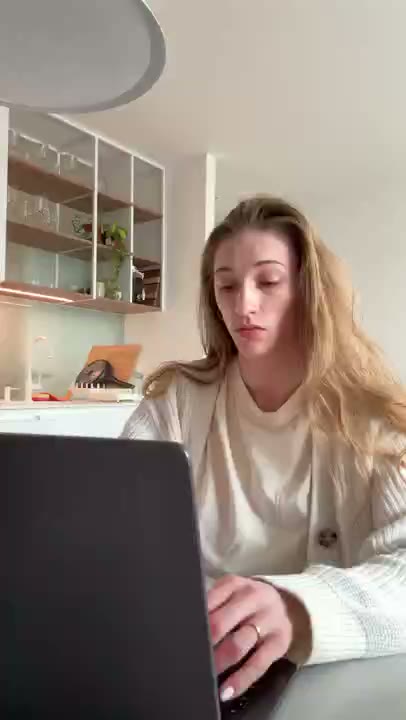

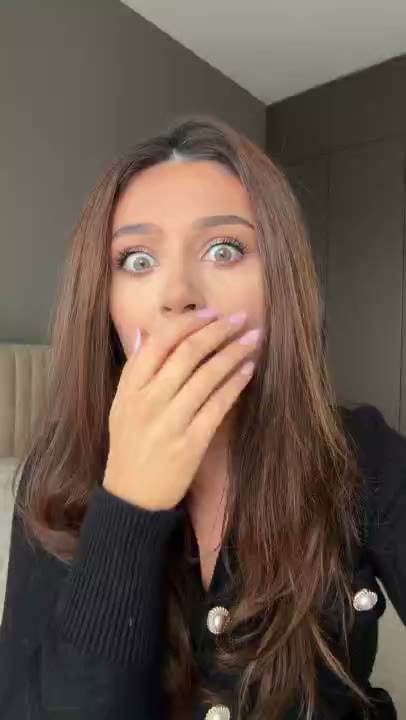

Productivity apps can become hard to explain when every screen is part of the pitch. A better starting point is the friction immediately before a useful action: deciding what to work on, finding a task, or rebuilding the same checklist for another week.
A reaction clip puts a face beside that familiar situation. The on-screen message explains the feature. Together they can introduce your app without suggesting that an AI character is a real customer who gained hours back. Keep the promise small enough to demonstrate.
Start with a moment, not a feature list
The momentA person opens their task list and still cannot decide what to work on next.
Who it is forPeople with a specific planning problem, rather than everyone who wants to be more productive.
Choose a reaction that fits
Curious, confused, and relieved reactions can frame different parts of the same task. Choose one idea for each clip instead of packing all three into a mini-story.
Three messages to build from
These are illustrative hooks, not customer quotes. Adapt them only to features your app actually supports.
A long task list. One clear next step.
Introduces prioritization rather than a vague life improvement.
The same weekly checklist, without building it again.
Fits a reusable-template feature.
Choose a task. Start a timer. Give it your attention.
Describes a focus workflow people can recognize.
Build the clips in RE/UGC
- Enter your website. Review the product information RE/UGC finds. Correct missing context before using it as the basis for your messages.
- Choose your AI creators and reactions. Pick expressions that fit the idea. Each character is AI-generated, not a customer testimonial.
- Generate and review your batch. Check that the on-screen copy describes real features. Remove unsupported claims and make the message easy to read.
- Export and post. With paid access, edit the text and choose text, music, and 1–12 repeats for the MP4. Add any app screen recording in your own editor, then upload the finished video yourself.
Let the product supply the proof
Show a sample task moving into today's plan, a checklist being reused, or a focus timer starting. If a demo is needed, record it yourself and add it in an external editor. The finished sequence should demonstrate the exact action named by the hook.
Plan a useful first comparison
Start with three messages for one workflow and the same creator. Compare recognition of the problem with clarity of the feature. In the next batch, keep the strongest message and vary the reaction. This creates distinct hypotheses instead of a pile of unrelated clips.
What to look for after posting
Check whether visitors create a task, start a timer, or reuse a template. Those actions are closer to the promise in the creative than a broad signup count alone.
There is no guaranteed winning reaction or message. Decide what you want to learn before posting, and keep a record of the creative version and destination so the next batch has a clear purpose.
Common questions
Does RE/UGC generate a demo of my app?
No. It creates branded AI reaction clips with on-screen text. Record your app separately and combine it with an exported reaction in an external editor if your concept needs a demo.
Are the creators actual users of my product?
No. They are AI-generated characters. Do not present their reactions or sample captions as real customer experience.
Can I change the text or leave the music out?
Paid access unlocks editing and downloads. Export options let you include or omit text and music, and choose a repeat count from 1 to 12.