

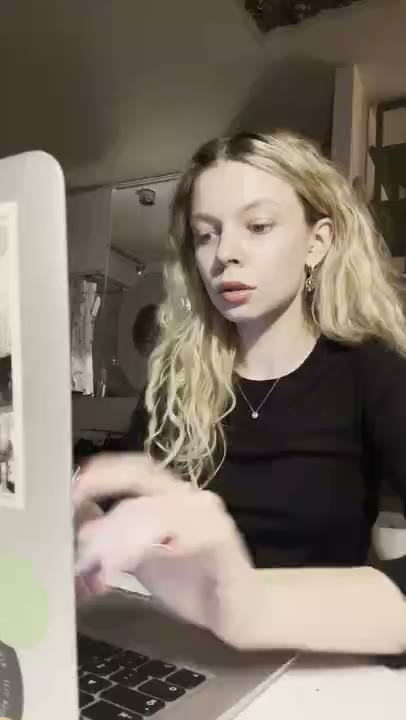



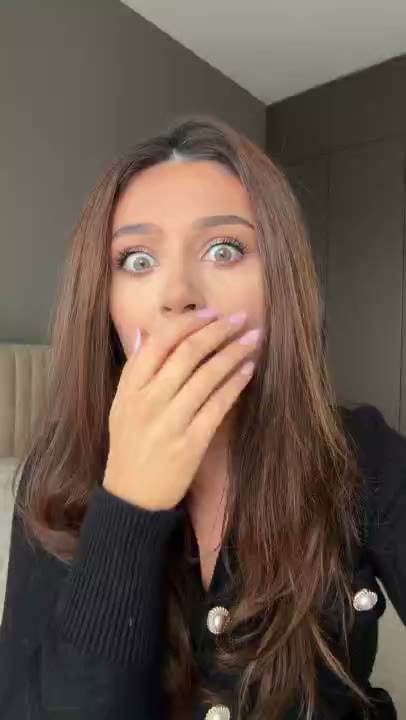

A fitness app does not have to sell a dramatic transformation to give someone a reason to try it. Choosing a workout, remembering a routine, and fitting movement into a busy day are concrete moments your creative can explain. Start with one of those moments instead of trying to describe the entire app.
AI creator reactions give that message a face. A curious expression can introduce a new routine; a relieved reaction can accompany a simpler planning feature. The character is an illustration of the idea, not a real customer describing their results. Keep the on-screen message tied to a feature your app actually offers.
Start with a moment, not a feature list
The momentSomeone has ten minutes available but spends them deciding what workout to do.
Who it is forPeople looking for a manageable starting point, rather than another demanding fitness challenge.
Choose a reaction that fits
Try curious, relieved, or quietly excited reactions. Match the expression to the small decision being made, not an exaggerated physical result.
Three messages to build from
These are illustrative hooks, not customer quotes. Adapt them only to features your app actually supports.
Ten minutes free. One workout picked. Less deciding.
Makes a short-workout selection feature the subject.
Your next workout, without rebuilding your plan from scratch.
Fits an app with saved routines or repeatable plans.
A busy week can still have a simple workout plan.
Introduces scheduling without promising a body transformation.
Build the clips in RE/UGC
- Enter your website. Review the product information RE/UGC finds. Correct missing context before using it as the basis for your messages.
- Choose your AI creators and reactions. Pick expressions that fit the idea. Each character is AI-generated, not a customer testimonial.
- Generate and review your batch. Check that the on-screen copy describes real features. Remove unsupported claims and make the message easy to read.
- Export and post. With paid access, edit the text and choose text, music, and 1–12 repeats for the MP4. Add any app screen recording in your own editor, then upload the finished video yourself.
Let the product supply the proof
If you add a screen recording in an external editor, show the actual sequence from available time to a selected workout. Use a demonstration account. The proof should be the working selection feature, not a staged before-and-after body image.
Plan a useful first comparison
Make a small batch around a single feature. Hold the destination and message constant while comparing a curious creator with a relieved creator. Then keep the preferred reaction and try the time-saving and routine-building messages separately. This makes it easier to tell which change affected the response.
What to look for after posting
Look beyond views to whether people reach the workout picker and start a routine. A clip that attracts attention to a feature you do not provide is not a useful winner.
There is no guaranteed winning reaction or message. Decide what you want to learn before posting, and keep a record of the creative version and destination so the next batch has a clear purpose.
Common questions
Does RE/UGC generate a demo of my app?
No. It creates branded AI reaction clips with on-screen text. Record your app separately and combine it with an exported reaction in an external editor if your concept needs a demo.
Are the creators actual users of my product?
No. They are AI-generated characters. Do not present their reactions or sample captions as real customer experience.
Can I change the text or leave the music out?
Paid access unlocks editing and downloads. Export options let you include or omit text and music, and choose a repeat count from 1 to 12.