



What Is UGC for Apps? Formats, Examples, and Rights
Explore UGC for apps: customer testimonials, creator videos, founder demos, screen recordings, and reaction hooks, plus the rights each format needs.

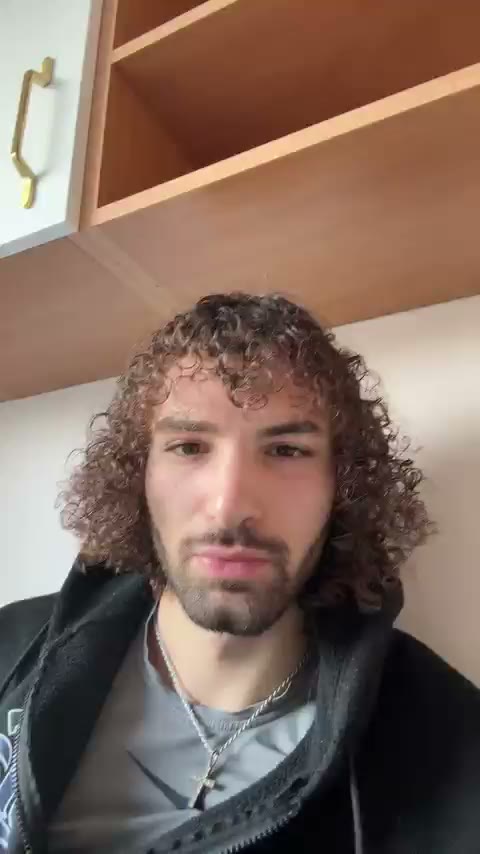
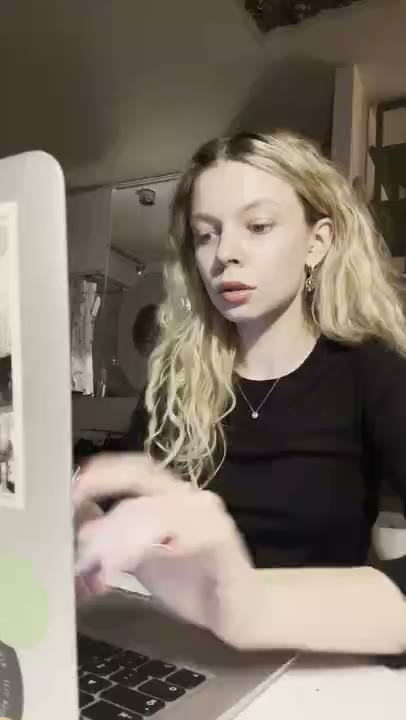
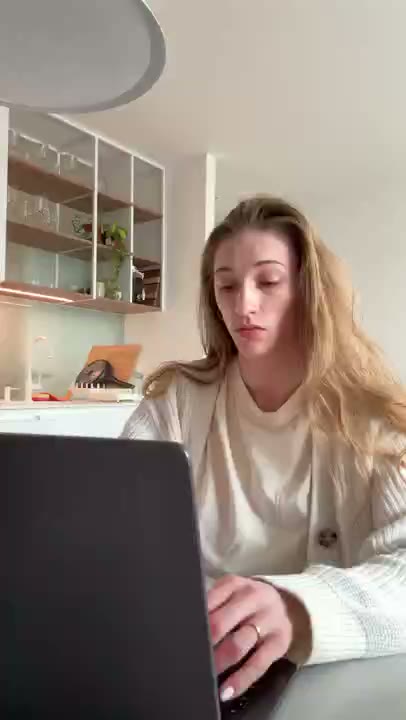
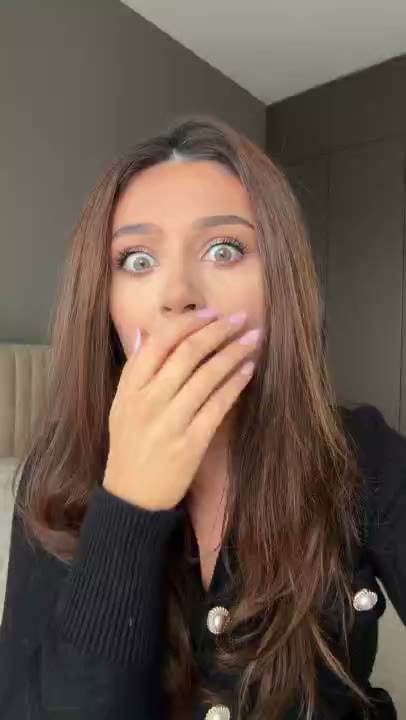
UGC for apps is content that presents an app through a user, creator, founder, or user-generated style. It may be a customer testimonial, creator-made video, founder walkthrough, screen-recorded voiceover, or RE/UGC AI UGC reaction placed before an app demo. These formats have different evidence and rights requirements. A UGC-style reaction is not automatically a review, endorsement, or proof that the performer used the app.
The practical question is not whether an ad looks casual. It is who is speaking, what they actually experienced, what the viewer can verify in the demo, and what permission covers the asset. The what is UGC guide covers the broader term; this page focuses on app-specific use.
UGC terminology for app marketing
| Term | Meaning | What it does not prove |
|---|---|---|
| UGC | Content made by a user or presented in a user-generated style | That every speaker used the app |
| UGC-style asset | Native-feeling creative, often a reaction or first-person opening | Customer experience or endorsement |
| Customer testimonial | A truthful statement from someone with actual product experience | That the result applies to every user |
| Creator content | Commissioned content made by a contracted creator | That the creator is a customer |
| Founder demo | Product-team explanation and screen recording | Independent validation |
| App demo | Visual proof of a product workflow | Business outcomes beyond what is shown |
What should an app UGC video include?
- A specific audience and situation.
- One problem, question, or objection.
- One app input and action.
- The resulting state, including any necessary review or limitation.
- One accurate CTA.
- Captions and enough visual context for sound-off viewing.
- Disclosures and rights appropriate to the person, source, placement, and claim.
The product screen should do the explaining. A face can make the problem recognizable, but an expressive opening cannot replace proof of the workflow. See the app promo video guide for a demo-first sequence.
Common formats and when to use them
Customer testimonials
Use a customer testimonial when the message depends on a real person's experience. Document that the person used the app, keep the statement truthful, and avoid turning one person's result into a promise for everyone. Permission should cover the intended paid and organic placements, edits, duration, and territory.
Creator videos
A creator can explain an app for a particular audience, language, or use case. The creator may or may not be a customer. The brief should say what they can claim, and the agreement should distinguish content delivery from audience distribution and ad authorization.
Founder demos and voiceovers
A founder or product marketer can often show the most accurate current workflow. This format is useful when the app changes frequently or the claim is technical. It does not provide independent validation, but it can make the product's limits clear.
RE/UGC reaction openings
A RE/UGC hyperrealistic AI UGC clip can open with recognition, curiosity, or an objection before cutting to your app's screen recording. Add captions that connect the reaction to the product moment you want to show.
A simple app UGC workflow
- Define the audience, situation, one product action, and supported claim.
- Choose the evidence type: customer, creator, founder, demo, or creative opening.
- Capture one clean demo with sanitized product data and visible limitations.
- Confirm likeness, voice, music, paid use, edits, duration, territory, and platform rights.
- Edit captions and the handoff from opening to screen so the claim remains clear.
- Test one opening variable around the stable demo and measure qualified actions.
For a first batch, keep the demo, destination, audience, and offer stable while varying the hook. Track qualified visits, activation, payment, and refunds in addition to attention metrics. The creative testing guide explains the measurement order.
Rights and trust checks
- Record who created the footage and who is identifiable in it.
- Confirm likeness and voice rights, including any limitation on paid advertising.
- Clear music, visible logos, artwork, and other third-party media separately where needed.
- Keep private product data out of screen recordings.
- Review sponsorship or commercial disclosures for the relationship and placement.
- Do not describe a performer as a user without documented product experience.
- Keep the license and review record with the creative ID. See UGC rights and best practices.
Frequently asked questions
Is UGC for apps the same as a testimonial?
No. UGC is a broad format or source label. A testimonial requires real product experience and a truthful personal claim from the speaker. Review the [UGC rights guide](/blog/ugc-rights-and-best-practices) before using either format in paid media.
Do I need to show a person?
No. A founder voiceover, screen recording, customer story, or text-led demo may be appropriate. Choose the format that makes the workflow easiest to understand.
What makes an app UGC ad useful?
It helps the intended viewer understand one relevant workflow quickly and gives them an accurate next step. The format alone does not establish product proof.
Are UGC-style clips manipulative?
The format itself does not decide that. Misleading implications, fabricated experience, hidden commercial relationships, or unsupported claims create the trust problem. Label the asset and show the product honestly.
Can a creator video be used as an ad?
Only if the agreement and asset rights cover the intended paid placement, duration, territory, editing, music, and any required ad authorization or disclosure.
Method note: terminology in this guide separates format, speaker, evidence, and rights because those dimensions are often collapsed into the single label `UGC`. Review current platform rules and jurisdiction-specific guidance for disclosure or advertising questions.
Disclosure: reugc.com publishes this page and offers UGC-style reaction hook clips for app demos. The clips are creative assets and are not customer testimonials by themselves.