







Faceless UGC: How to Make Content Without Showing Your Face
Nine faceless UGC formats that still convert - hands-only, screen recordings, voiceover, POV - plus the honest tradeoff and how to compensate for it.
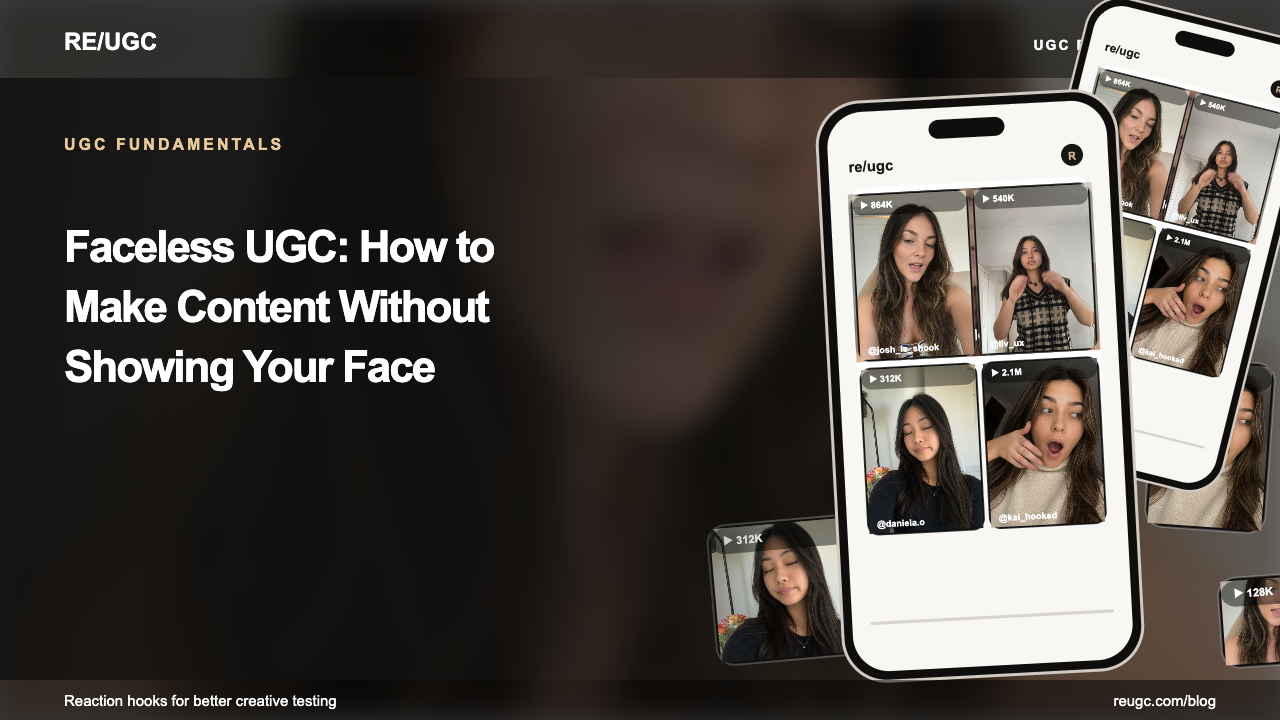
Short answer: faceless UGC is user-generated-style content that shows a product or tells a story without anyone's face on screen: hands-only demos, screen recordings with voiceover, POV footage, and text-led edits. It works when something moves in the first frame, the on-screen text carries the message, and the product action is easy to see. Using an AI character keeps you off camera, but the resulting video is not literally faceless.
Brands use faceless UGC when nobody on the team wants to be filmed, when a creator prefers to stay anonymous, or when the product itself is the most interesting thing in frame. Faceless UGC creators sell the same deliverables as other UGC creators: footage the brand runs from its own accounts, just without their identity in it.
The honest tradeoff
A face gives viewers an instant emotional read and a person to trust. Without one, you give up that shortcut and have to earn attention through motion, writing, and specificity instead. In exchange you get privacy, faster batch production, footage that stays usable when you change presenters, and demos where the product never competes with a person for attention. Whether the trade costs you anything is an empirical question for your audience, so test it rather than assume.
| You give up | You gain |
|---|---|
| An instant emotional read in frame one | Privacy and no on-camera anxiety |
| A recognizable presenter people return for | Footage that is easy to reuse and re-edit |
| Some personal accountability | Full attention on the product action |
| An easy default hook | Sharper writing, because the text must carry the message |
Three visual treatments for the same task-board demo
| Format | Opening frame | Product proof |
|---|---|---|
| Screen-led | A task waiting in Inbox | Move the task to Today while keeping its title visible |
| Text-led | “Which task should I do next?” over the board | Highlight priority and show the selection |
| Hands-only | A person sorting physical task cards | Cut to the equivalent action in the software; film your own hands if this is your approach |
For a face-led alternative that does not require filming yourself, compare the reaction-clip example. Choose based on comprehension and qualified actions, not an assumption that one format always wins.
A face can communicate emotion quickly; a product close-up can communicate function quickly. Neither establishes trust or performance on its own. Choose the opening that makes the relevant action easiest to understand.
A faceless opening needs a clear subject and a reason to watch. Motion, a specific question, or a visible before-and-after can provide that reason. Test it against another opening using the same demonstration.
Nine faceless formats that work
1. Hands-only
Hands using the product, filmed from above or over the shoulder. Still human, still warm, no identity. The closest substitute for a face and the default choice for physical products.
2. Screen recording with voiceover
The native format for software. Works well after the hook, and can be the opening itself when the action is immediately legible.
3. POV / first person
Camera as your eyes: walking into a room, opening a laptop, picking something up. Immersive, native to short-form grammar, and faceless by construction.
4. Text-led with b-roll
A strong written hook over moving footage. The text carries the entire message, which makes this the format that most rewards good writing — and it works muted, which matters especially on Instagram Reels.
5. Voiceover over demo
Your voice carries the personality while visuals carry the proof. A real voice restores a large part of the human signal you gave up — accent, hesitation, and laughter all read as a person.
6. Green-screen over screenshots
Talk over charts, reviews, or competitor pages without appearing yourself — a cursor, a highlight, and a voice. Positions you as an analyst rather than a promoter.
7. Whiteboard / notes-app explainers
Writing appearing in real time as you narrate. The motion of text being written is itself a pattern interrupt, and it holds attention well for explanation-heavy content.
8. Object-only reveals
The product alone, shot with real motion and real lighting. Works when the object itself is visually surprising; fails when it's a rectangle.
9. Borrowed reaction hooks
An option to test. Open with a licensed reaction clip, then cut to your faceless demo. RE/UGC offers hyperrealistic AI UGC, so you can add an expressive opening without appearing yourself. Compare it with a screen-led version — see reaction hooks.
Compensating for the missing face
| What a face gives you | Faceless substitute |
|---|---|
| Involuntary attention in frame one | Motion, visual anomaly, or a borrowed reaction clip |
| Emotional read | Voice — tone, laughter, hesitation carry more than people expect |
| Trust and accountability | Specificity: real numbers, real dates, real screenshots |
| Personality and recall | Consistent visual identity — same setup, same font, same voice |
| Relatability | Named audience: 'if you're a freelance designer…' |
Hook rules for faceless content
- Something must move in frame one. A still opening frame is a scroll invitation, and without a face you have no static substitute.
- Lead with a number or an anomaly. Both are quick to notice without a face to look at.
- Put the claim in text, top third. Text is doing more work here than in face-led content, and it must survive muted viewing.
- Start mid-action. No setup, no context — the missing beginning is your open loop.
- Be more specific than you think necessary. Without a face to create connection, specificity is your credibility mechanism.
How to make a faceless UGC video in 6 steps
- Pick one product action a viewer can understand in under five seconds, such as moving a task, applying a filter, or opening the box.
- Write the on-screen hook first: six to ten words naming the problem or the result, placed in the top third of the frame.
- Film the action mid-motion: hands, POV, or a screen recording that starts after the setup, not before it.
- Record a voiceover in a quiet room, or skip voice entirely and let captions carry the message.
- Add captions and one call to action, then check the video on mute on a phone.
- Make two openings for the same demo, for example a text hook and a licensed reaction clip, and compare qualified actions.
Faceless UGC script (20-30 seconds)
0-2s: On-screen text: [problem in the viewer's words]. Visual: [hands or screen mid-action]. 2-8s: Voiceover or text: [what I tried / what usually goes wrong]. Visual: [the frustrating before-state]. 8-20s: Voiceover or text: [the one action in the product]. Visual: [close-up of that action, cursor or hands visible]. 20-25s: Text: [the result, stated only as far as the footage shows it]. 25-30s: CTA: [try it / link in bio / download].
For more script structures, see UGC ad script templates. If you are adding captions in CapCut, the captioning guide walks through it.
Choosing a format for your product
| Product type | Best faceless format | Why |
|---|---|---|
| Mobile app / SaaS | Borrowed reaction hook → screen recording + voiceover | Screens can't open; a face can, and it needn't be yours |
| Physical product | Hands-only, overhead or POV | Hands supply human warmth and show scale and texture |
| Digital course / info product | Whiteboard or notes-app explainer | The writing appearing is itself the visual interest |
| Agency / service business | Green-screen over client results | Positions you as analyst; results are the proof |
| Ecommerce store | Object reveals with real motion and lighting | The product is genuinely the interesting thing |
| Newsletter / media | Text-led with b-roll | Your writing is the product — demonstrate it |
Building a faceless content system
- Fix your visual identity early. Same font, same colour treatment, same framing every time. Without a face, consistency is what makes your content recognizable in a feed — it's doing the job a face would otherwise do for free.
- Record voiceover in batches. Ten scripts in one sitting keeps energy and audio quality consistent, and it's the difference between publishing weekly and publishing once.
- Build a b-roll bank. Twenty generic clips of your workspace, your hands, your screen — reusable behind any script. This removes the most common faceless-content bottleneck, which is 'what do I put on screen.'
- Keep a hook bank separate from your content. Because your openers do more work here, treat them as a distinct asset you collect and test rather than something you write fresh each time.
- Test one face-led variant anyway. Running one clearly represented AI or filmed reaction against your usual opener helps compare the two approaches — and whether the workaround is worth adopting permanently.
Faceless UGC for creators: what brands look for
- Clean, well-lit hands and surfaces. Your setup is your on-screen identity, so keep it tidy and consistent.
- Steady, vertical footage with the product action centered and nothing important under the platform's caption area.
- Raw files plus an edit. Brands often want to recut the footage with their own hooks.
- Clear rights terms. State which channels, how long, and whether paid ads are included; the UGC rights guide covers the basics.
- Honest claims. Only say you use a product if you actually do, and follow the disclosure rules for paid content.
Common faceless UGC mistakes
- A static first frame. Without a face, stillness reads as a slide.
- Text that only makes sense with sound. Many viewers watch muted.
- Showing the whole setup. Start at the moment of action; cut the unboxing of the laptop.
- Captions covered by platform UI. Keep text away from the bottom and right edge where buttons sit.
- Treating an AI reaction as faceless. If you open with a hyperrealistic AI UGC clip, the video has a face; label and test it as a face-led variant.
Is faceless UGC worth it?
If the alternative is not making content at all, unquestionably. Plenty of successful accounts and profitable ad campaigns have never shown a face. The formats work — they just require sharper writing and stronger openers than face-led content, which is a skill worth having regardless.
And if the only thing keeping you off camera is that you don't want your own face in the ad, remember that borrowing one is a legitimate option. The reaction at the front doesn't have to be yours; represent it accurately as filmed or AI-generated.
Frequently asked questions
Can you do UGC without showing your face?
Yes. Hands-only footage, screen recordings with voiceover, POV shots, text-led b-roll, and green-screen commentary all work. The main adjustment is that your hook has to work harder, so viewers can understand the point without a presenter.
Does faceless content perform worse?
Not necessarily. Compare a screen-led opening with a filmed or clearly represented AI UGC reaction, keeping the demo and offer fixed. Measure attention and qualified actions rather than assuming faces always outperform faceless content.
What's the best faceless format for apps?
A strong hook — text, motion, or a borrowed reaction clip — cut into a screen recording with voiceover. Screen recordings are the natural demo format for software and can open the video when the first action is clear.
Can I use someone else's face in my faceless content?
With proper licensing, yes. RE/UGC's hyperrealistic AI UGC reaction clips give you a face-led opening while everything after stays faceless. Check that the license covers your intended advertising use.
How do I build trust without showing my face?
Specificity replaces familiarity. Real numbers, real dates, real screenshots, and a consistent voice across content build credibility over time — and a real voiceover carries more human signal than most people expect.