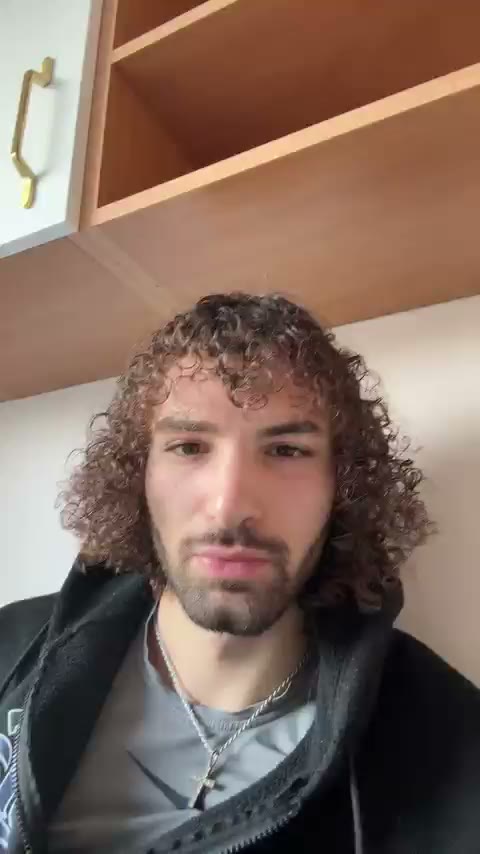

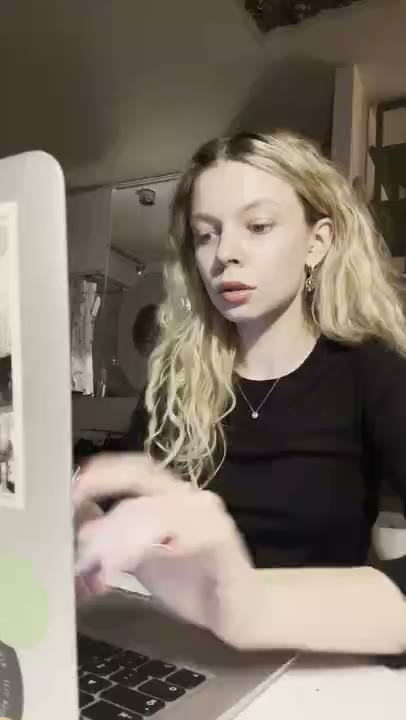

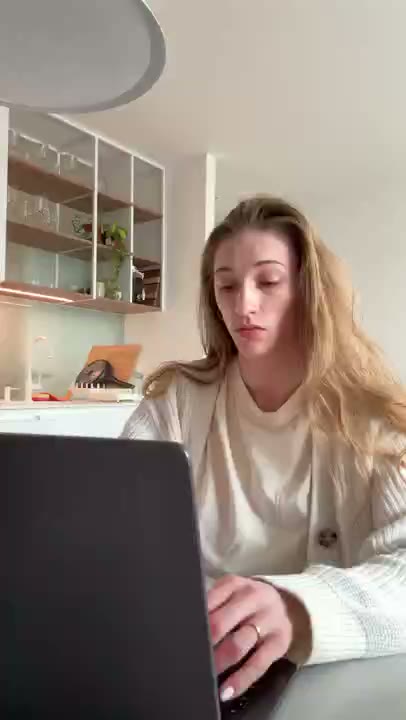

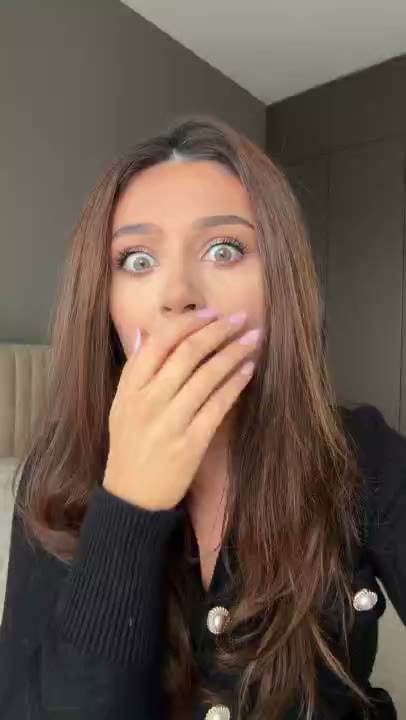

A dating app's features can sound interchangeable when the message is simply 'meet someone new.' A more useful creative brief starts with one interaction: finding a shared interest, choosing a profile prompt, or deciding how to begin a conversation.
Reaction footage can give that moment a playful tone. Pair it with a feature-based message rather than a fabricated success story. An AI creator appearing pleased is not evidence that they found a partner through the app, and the caption should not suggest otherwise.
Start with a moment, not a feature list
The momentSomeone wants a more useful conversation starter than an empty hello.
Who it is forAdults exploring ways to express their interests and start conversations.
Choose a reaction that fits
Use playful, curious, or pleasantly surprised reactions. Keep the tone welcoming rather than judging a viewer's appearance or relationship status.
Three messages to build from
These are illustrative hooks, not customer quotes. Adapt them only to features your app actually supports.
A shared interest gives the first message somewhere to start.
Introduces an actual interest-based discovery feature.
A profile prompt with more to say than 'ask me.'
Frames prompt selection as the product moment.
Find something in common before writing the opener.
Connects profile information to a specific task.
Build the clips in RE/UGC
- Enter your website. Review the product information RE/UGC finds. Correct missing context before using it as the basis for your messages.
- Choose your AI creators and reactions. Pick expressions that fit the idea. Each character is AI-generated, not a customer testimonial.
- Generate and review your batch. Check that the on-screen copy describes real features. Remove unsupported claims and make the message easy to read.
- Export and post. With paid access, edit the text and choose text, music, and 1–12 repeats for the MP4. Add any app screen recording in your own editor, then upload the finished video yourself.
Let the product supply the proof
Show a fictional demonstration profile and a sample prompt. Label mock conversations as examples. Avoid exposing real profiles, private messages, or identifiable matches without permission.
Plan a useful first comparison
Build one batch about prompts and a separate batch about shared interests. Within each, keep the feature and landing page the same while changing the opening message. Do not combine multiple product promises just to fill the available video length.
What to look for after posting
Use profile setup or relevant feature engagement as a closer signal of interest than views alone. A winning opener should set an expectation the onboarding experience can meet.
There is no guaranteed winning reaction or message. Decide what you want to learn before posting, and keep a record of the creative version and destination so the next batch has a clear purpose.
Common questions
Does RE/UGC generate a demo of my app?
No. It creates branded AI reaction clips with on-screen text. Record your app separately and combine it with an exported reaction in an external editor if your concept needs a demo.
Are the creators actual users of my product?
No. They are AI-generated characters. Do not present their reactions or sample captions as real customer experience.
Can I change the text or leave the music out?
Paid access unlocks editing and downloads. Export options let you include or omit text and music, and choose a repeat count from 1 to 12.