

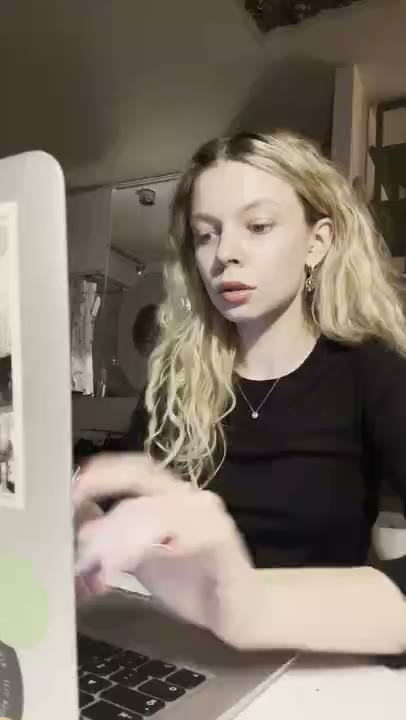





The brief
This fictional tool turns rough notes into an editable summary. The assignment is to make that input-to-draft workflow understandable in a small creative batch. The example does not claim that RE/UGC has worked with a customer running this tool or that these concepts have produced campaign results.
AudiencePeople who already collect notes and want a first draft they can check and refine.
Feature in focusPaste rough notes, generate a summary draft, and edit it before sharing.
The creative challenge
A broad 'AI assistant' headline would leave the viewer guessing what to do first. Promising a perfect summary would overstate what an editable draft proves. The creative needs to name the starting material, the output, and the human review step without becoming a long product tour.
How the concept comes together
1. Describe the real boundary
The website brief should say that the tool helps produce a draft, not that every output is correct. Review generated captions for invented integrations, instant-processing claims, or statements that no checking is needed. Keep source material non-sensitive when creating a demo.
2. Separate three reasons to try it
Build one concept around the input, another around getting past the blank page, and a third around the editing workflow. Start with one curious AI creator across the batch. Avoid changing the actor, feature, destination, and message simultaneously.
3. Use output as the evidence
For a longer ad, record a genuine example run yourself and combine it with the exported reaction in an external editor. Keep the input and output readable. If processing is sped up for the demonstration, label that edit instead of implying the recorded duration is the actual waiting time.
The proposed three-clip batch
Sample on-screen copy for this fictional brief. These are not published ads or customer quotes.
Rough notes in. An editable summary out.
Curious reaction. States the product transformation in plain language.
Start with a draft instead of a blank page.
Curious reaction. Introduces the starting-point benefit without promising perfection.
Generate the summary. Check it. Make it yours.
Curious reaction. Makes review part of the workflow rather than hiding it.
Review and export
The proposed batch contains three reaction-and-text clips, plus an optional external edit that adds a real screen recording. Keep the captions short and export with the text option enabled. Use the same music setting across the initial comparison so the message remains the principal creative change.
How to evaluate the batch
Define success around qualified feature trials and whether users reach a draft they can review. A click from someone expecting flawless automation may be a poor fit even if the opening performs well on attention. This example has not been launched and contains no measured conversion results.
The takeaway
Showing a bounded input-to-output task makes an AI product easier to explain. The reaction introduces the task; an actual product run supplies the evidence.